2014-03-24
96
5.1 General Operation
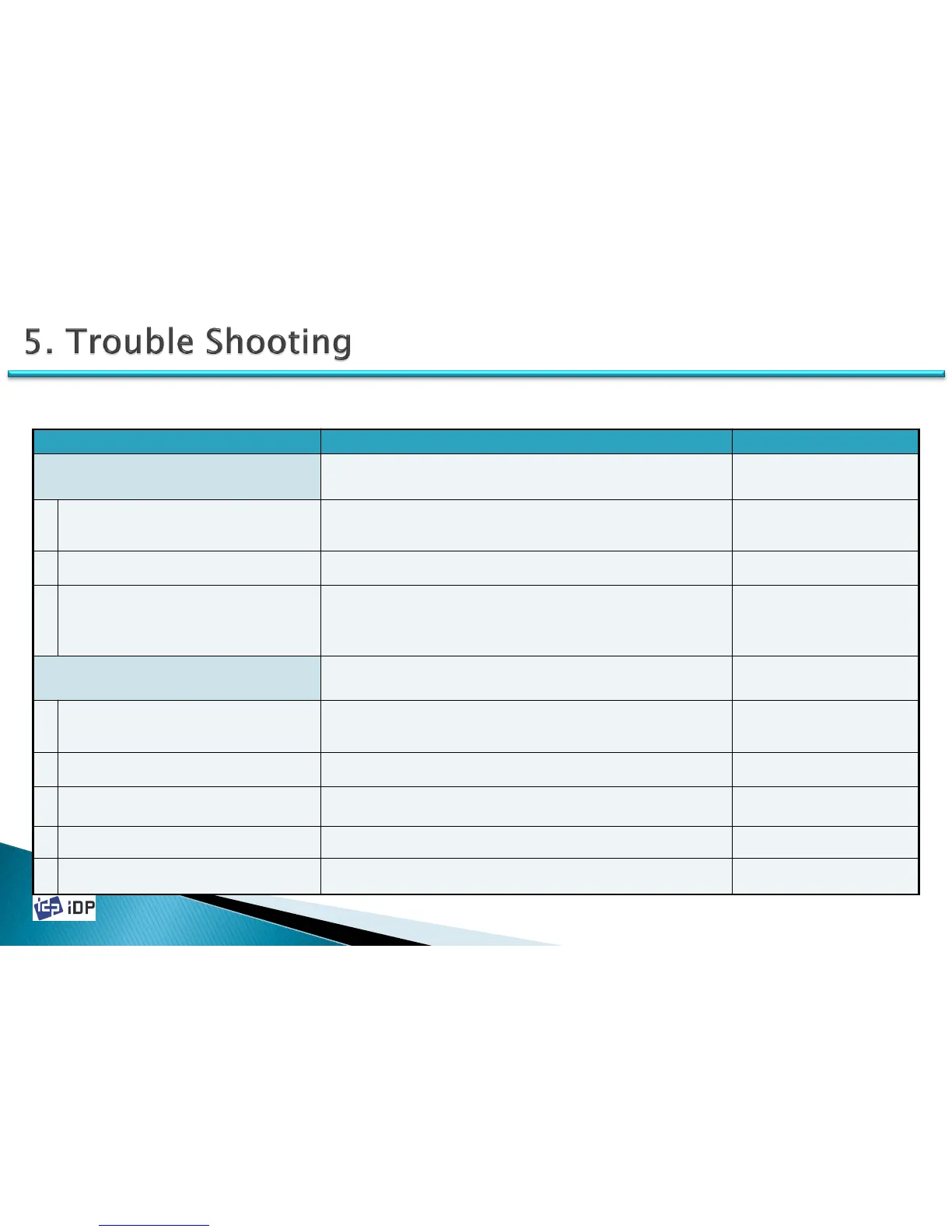
Symptom Countermeasures Related Parts
When the ribbon is torn
Open the top cover and pull out the ribbon cartridge. Connect the ribbon
and install again. If the problem is occurred too often, refer to the below
countermeasures.
1
The card is out of specification or the surface
is not even
Check the card specification or change to the new one.
2 The color density setting is too high Refer to the manual 4.1.3.2 and adjust the printing density.
3 The card printing position is not proper
Adjust the image start position as 0.5mm from the card starting point. If
the problem is not solved, refer to the manual 4.1.3.1.
Ribbon is not recognized. – There will be displayed
“
Ribbon Not Found” error message.
Press the left button of front LCD to replay. If the problem is not solved,
refer to the below countermeasures.
1 Ribbon tag is bad Change to the new ribbon.
2 All ribbon is used Change to the new ribbon.
3 Ribbon is torn Open top cover and pull out the ribbon cartridge. Connect the ribbon.
4 Thermal print head is not properly installed Refer to the manual 3.2.1 and check the Print Head installation state.
5 Ribbon is not authorized one Change to the authorized one.
5.1 General Operation



 To Next Page