2014-03-24
8
1.1 Printer Basic Information
1.1.1 Printer Outside Features
This SMART-30 Card Printer takes a power via the adaptor provided with the printer. Using USB port, it
communicates with user’s PC. For the user’s convenience, the printer working status can be seen by LED and most of
the operations can be controlled by buttons.
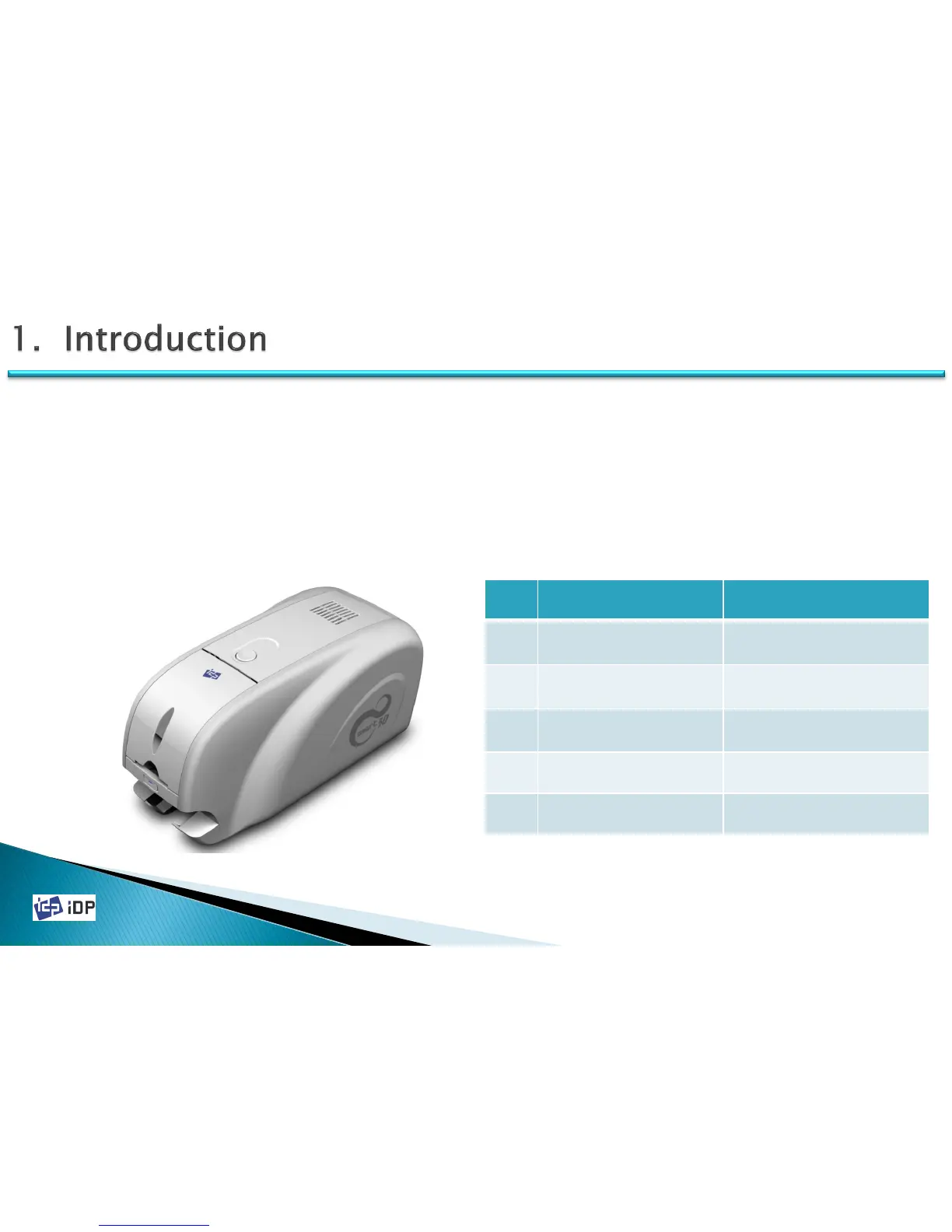
The following shows the external functional features found on your Smart Printer
1.1 Printer Basic Information
Fig.1-1 Printer Front/Side Features
No. Name Function
①
TOP COVER OPEN
BUTTON
Open Top Cover.
②
HOPPER COVER
Load the cards for
printing.
③
LED & BUTTON
Display printer status and
control printer
④
SIDE COVER
⑤
STACKER Enable to remove Stacker
①
③
②
④
⑤



 To Next Page