2014-03-24
16
1.2 Printer Installations and Instructions
1.2.1 Ribbon Installation
Before printing, prepare the related items such as a card, a ribbon and a cleaning roller. In this section, we invite you
to know the proper method to install the ribbon and the cleaning roller into the printer.
1.2 Printer Installation and Instructions
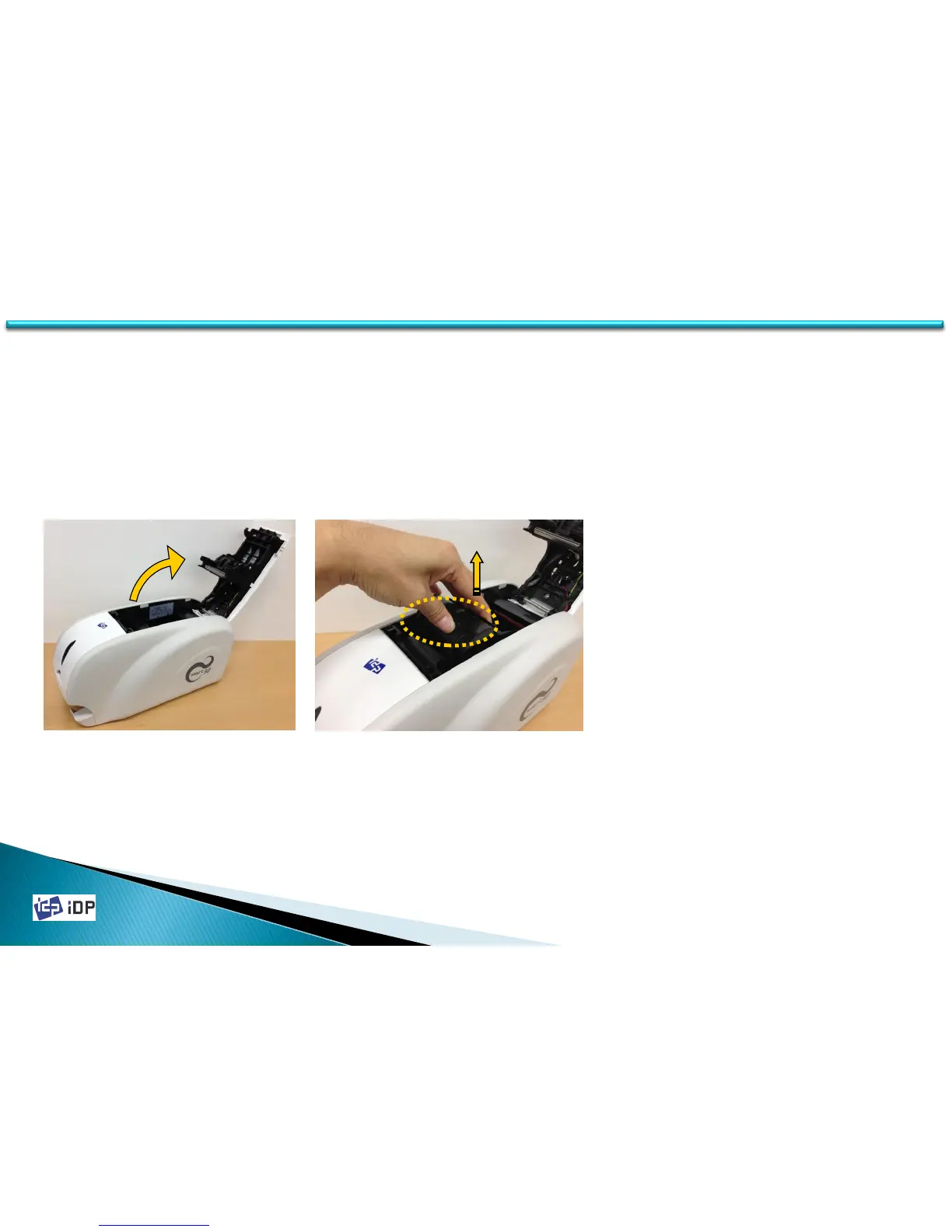
Fig.2-1 Open Top Cover Fig.2-2 Take out ribbon cartridge
1. Turn off the power of printer
2. Open the top cover of printer by
pressing the top cover open button
(Refer to Fig.2-1).
3. Take out the ribbon cartridge (Refer to
Fig.2-2).



 To Next Page