2014-03-24
78
4.2.2.3 Print
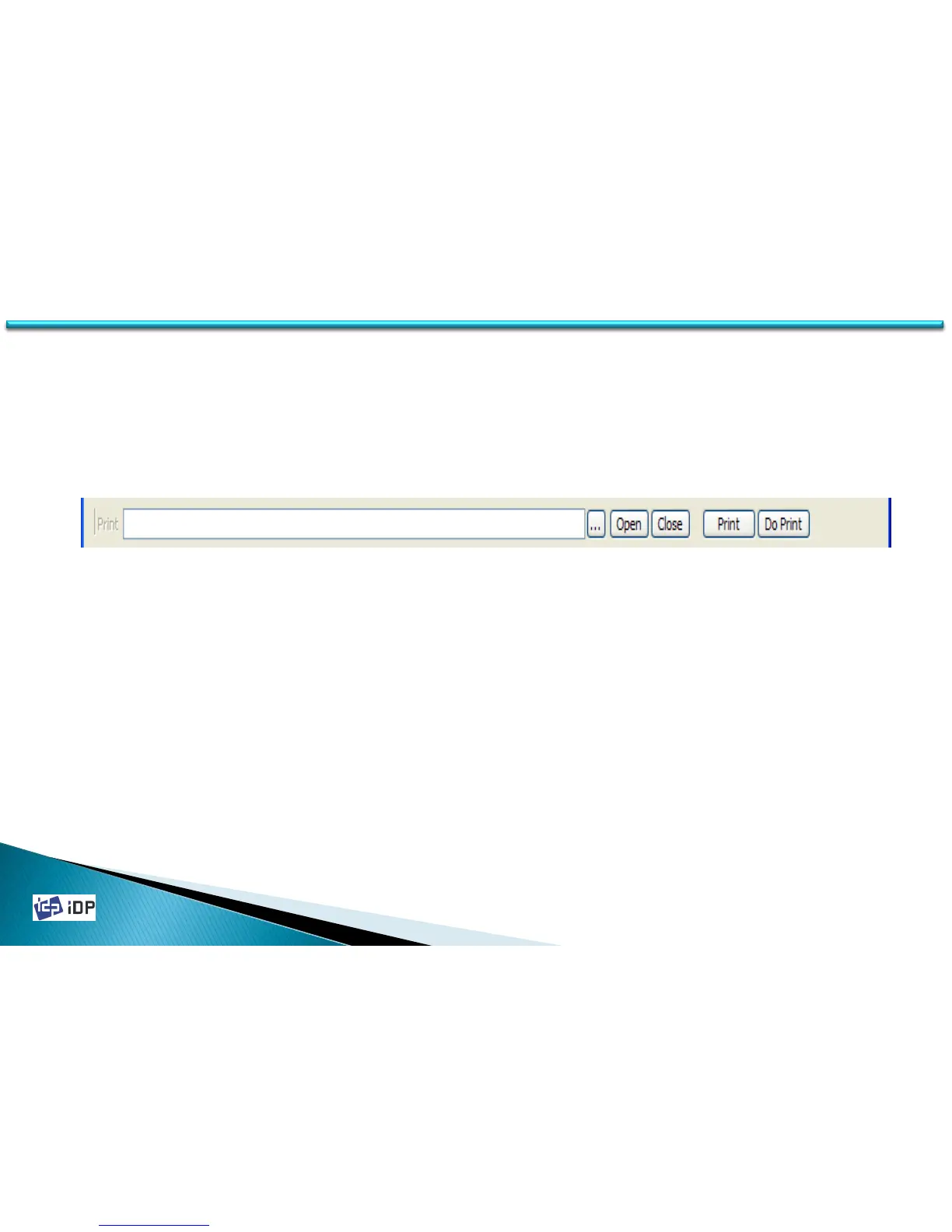
Print can be used to print the designed image which made by Smart Design. To print the card, use “…” and choose
CSD file. Press “Open” and select CSD file and press “Print”.
When the printer is NORMAL state, if you press “Print”, the data is transfer to SMART printer and print. However in
SBS mode, if press “Print”, the data is transfer to SMART printer and waiting the printing command. So in SBS mode,
it need to press “Do Print” for the printing. This function is needed to control the printer in detail.
4.2 Test



 To Next Page