2014-03-24
72
4.1 Setup
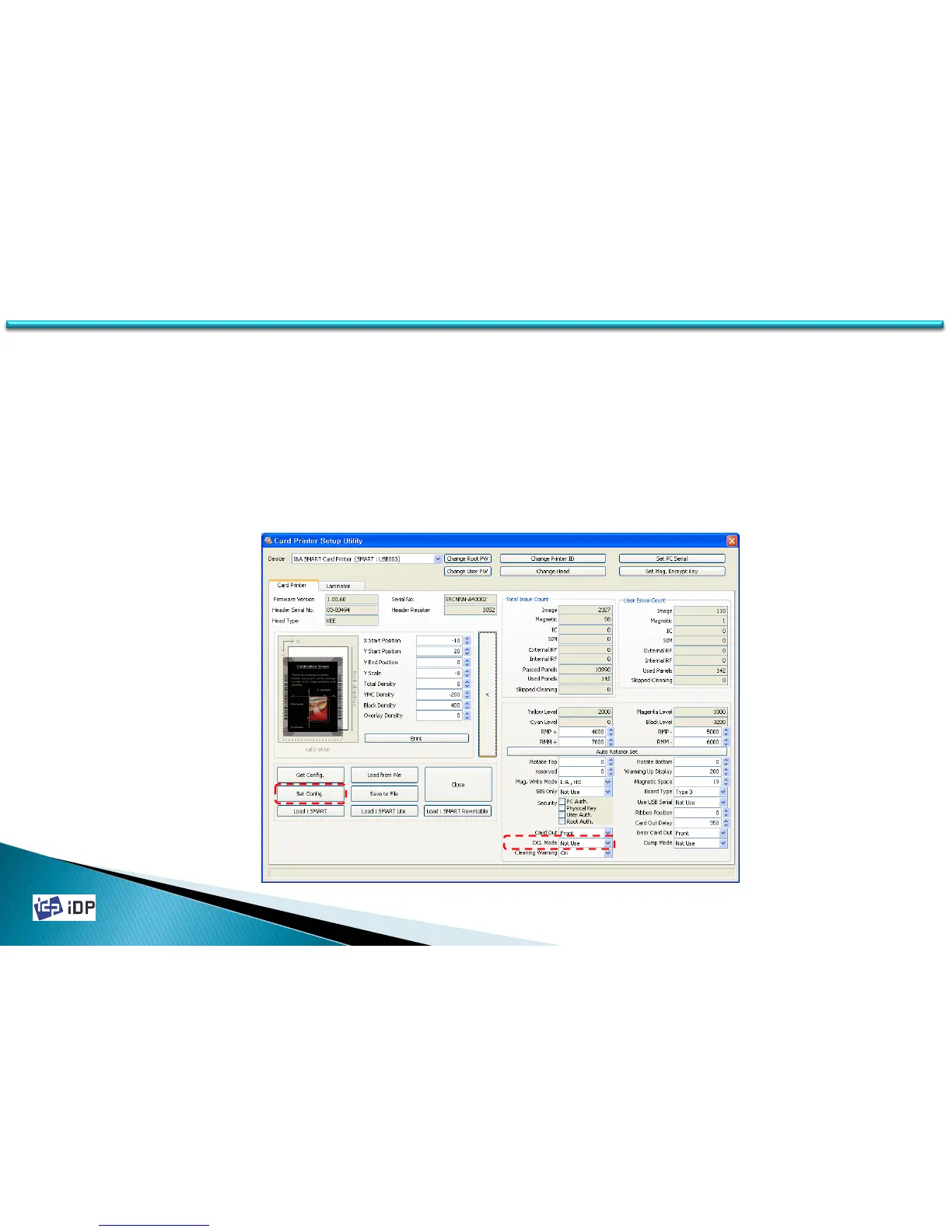
• DCL Mode
With DCL mode, you can control card printer without installation of printer driver. It is operated with DCL order in
SDK. You can control this mode with DCL order in SDK but printer driver installation pop-up appears whenever
card printer is connected.
If you set ‘DCL Mode’ to ‘Use’, it does not use printer driver and previously installed driver becomes off-line.
In order to use DCL mode, please change ‘DCL Mode’ to ‘Use’ and click ‘Set Config’. This function is activated
after card printer is re-booted.
(If DCL mode is activated, you will not use printer on general programs. It is only controlled by DCL order in SDK. )



 To Next Page