2014-03-24
65
4.1 Setup
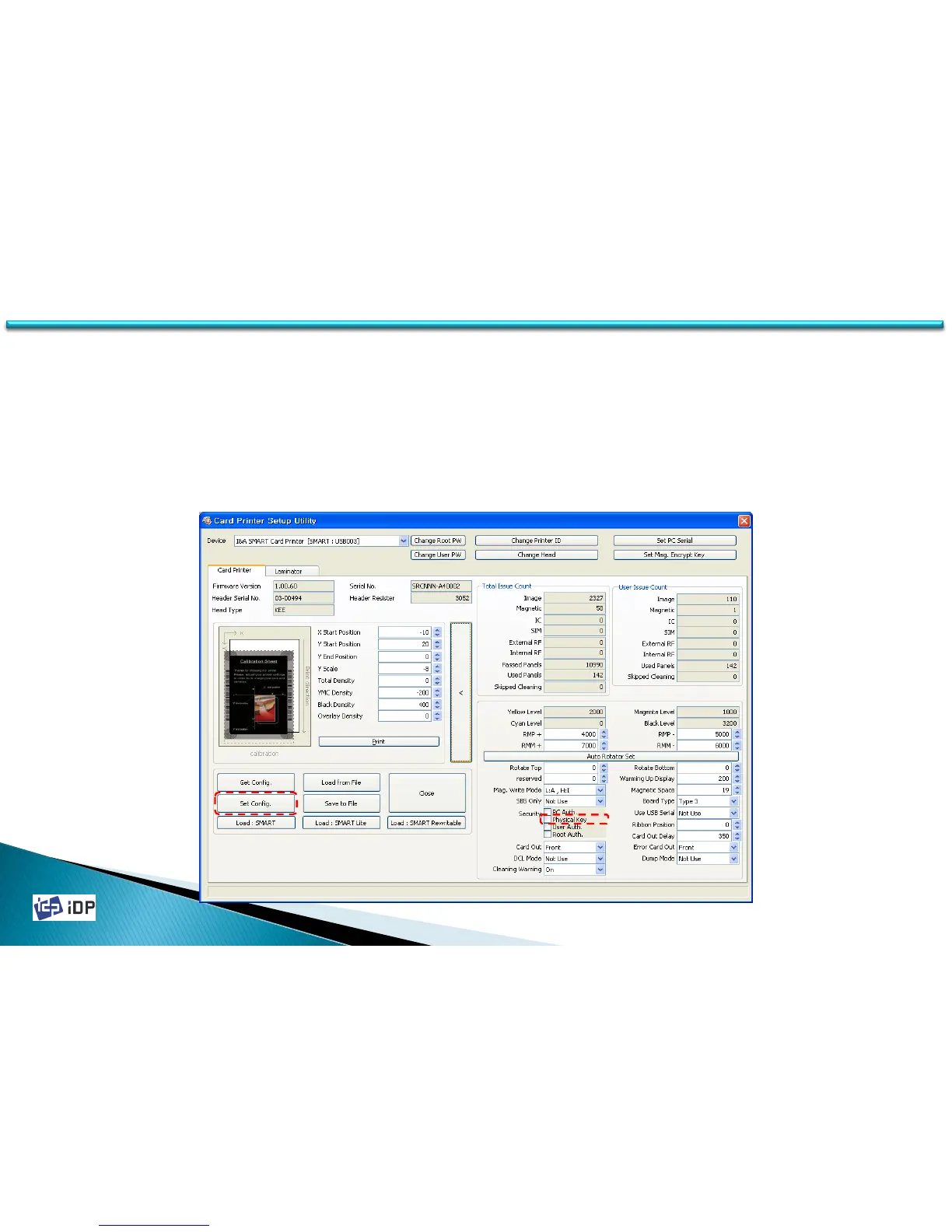
• Physical Key
Physical Key is the function which is enable to operate SMART printer who have the physical key. It is provided as
special option. To use this function, in expansion mode change “Physical Key” to “Use” and press “Set Config.”
Physical Key will be activated after SMART printer reboot. If the printer is locked, “Unlock Please” message will be
displayed on LCD and if not, “System Ready” will be displayed.
Physical Key is electrical key so its setup will be kept when the printer is reboot (power off/on).



 To Next Page