2014-03-24
59
4.1.3.3 Ribbon Operation
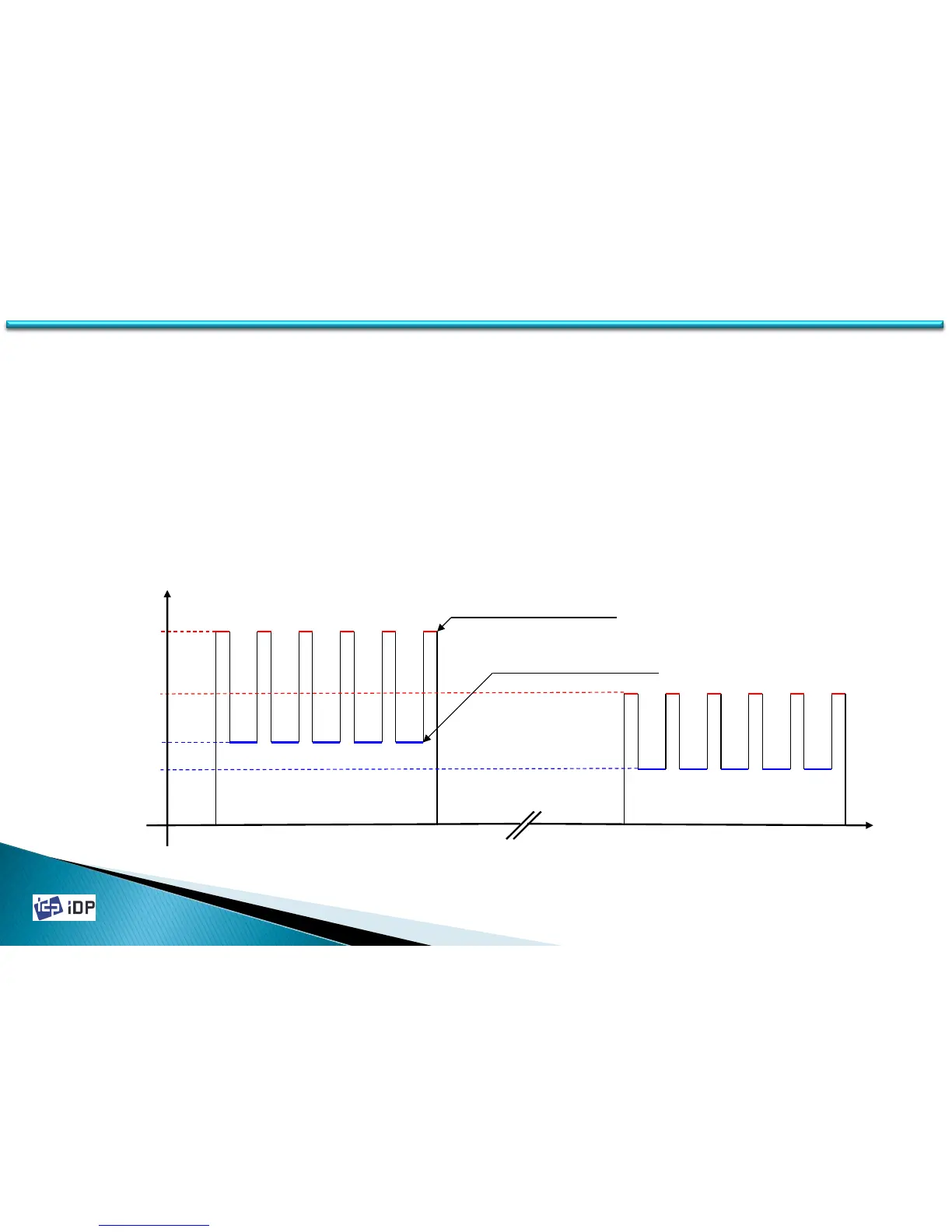
SMART-30 Card Printer’s ribbon movement is variable to make the interference minimized. So to get the stable
image quality, set the proper ribbon movement setting. As below graph SMART Card Printer is control the speed of
printing and normal movement differently to get the regular speed. And its movement speed is changed for the
remained ribbon balance. Set the movement speed as below graph.
RMP control the ribbon movement when printing. If set too low, the ribbon can not be rewind and the problem can be
occurred. On the contrary if set too strong, the rolling speed is too fast so there might be bad image.
RMM control the normal movement. If set too low value, the printer is stop as print head is adhered with ribbon. If
too high, the ribbon rolling speed is too fast so the correct printing position can not be detected.
(We recommend to not change RMP and RMM until there is critical problem)
250 Ribbon Balance 1
RMP +
RMP -
RMM +
RMM -
Movement Speed
Normal Ribbon Movement
Printing Ribbon Movement
4.1 Setup



 To Next Page