2014-03-24
68
4.1 Setup
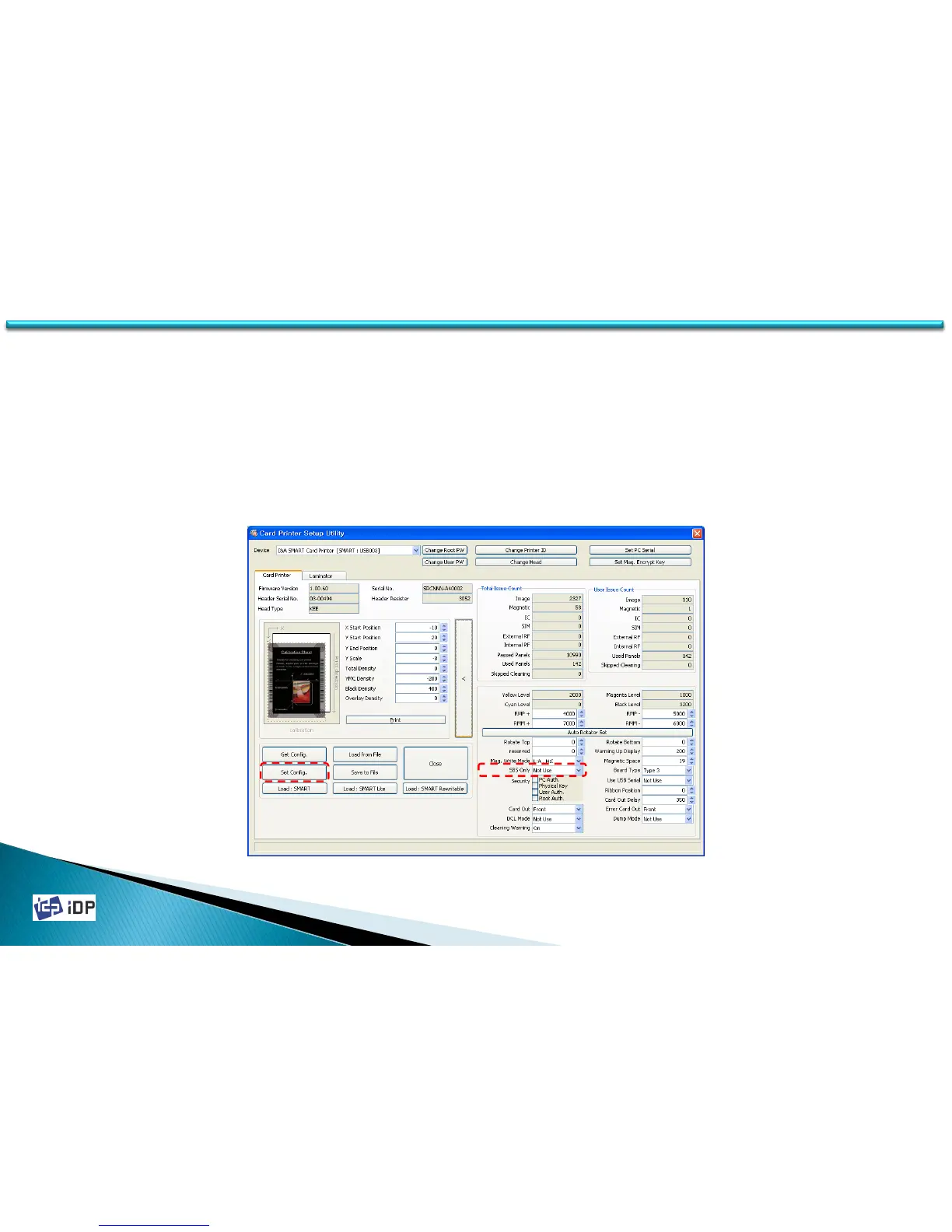
• SBS Only
SMART-30 Printer is provided the printer driver same as other normal printer so it can be used in the application
for SMART card printer and other general application. “SBS Only” function can be realized in the application which
is developed by our SDK.
To use this function, in the expansion mode, change “SBS Only” to “Use” and press “Set Config.”
SBS Only will be activated after SMART printer is reboot. This SBS Only mode is not activated in other general
application.



 To Next Page