2014-03-24
63
4.1.3.7 Security
• Password
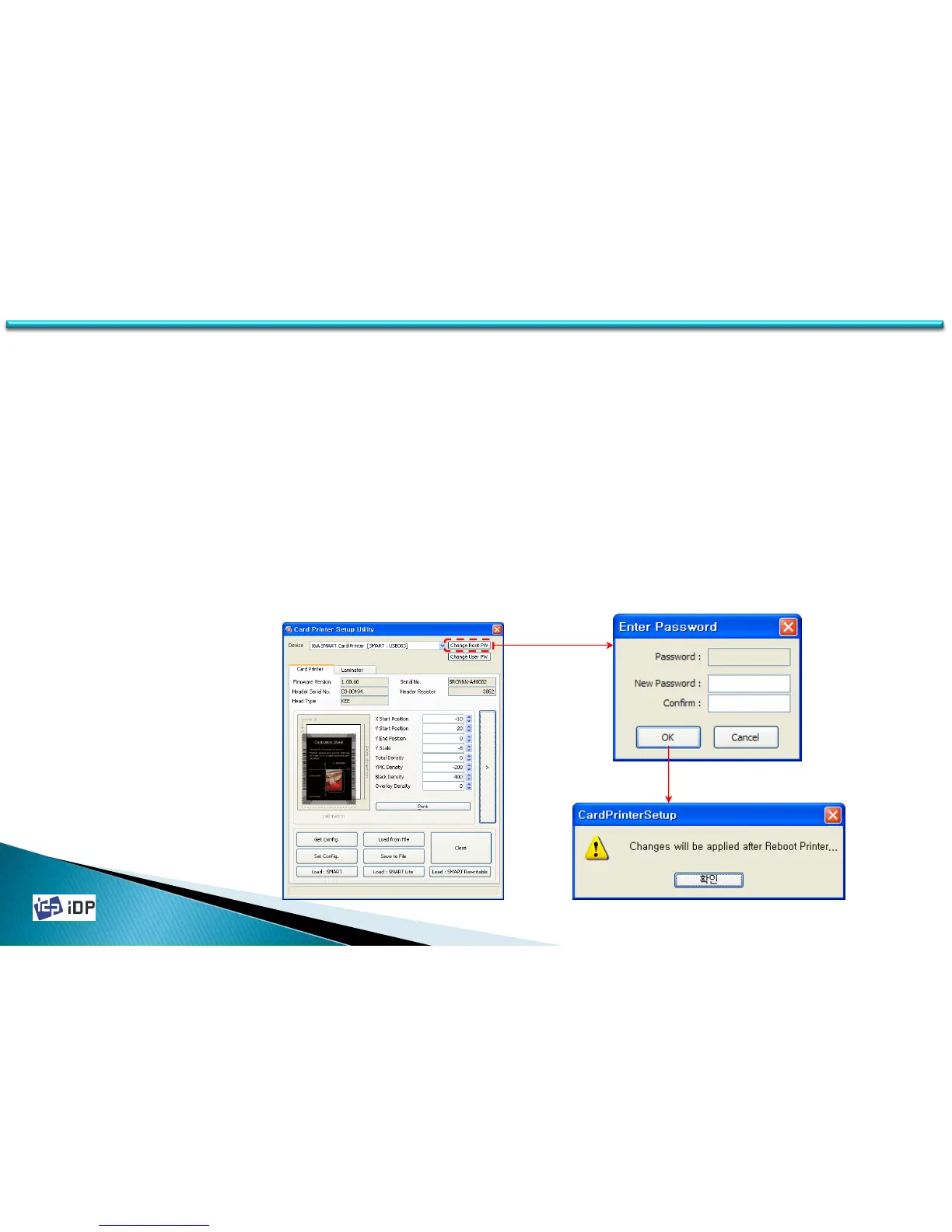
It need to input the password to change the setup value but if you do not set the password, it need not. When
execute CardPrinterSetup program, the password input window will be displayed. If you set the password, it is
saved to SMART Card Printer itself so even if you change the PC, the password is needed for that card printer.
To change the password, click “Change Password” in basic setup window. It will be activated after the printer is
reboot.
(The default is no password setting.)
(If the password is not remember, please contact the manufacturer.)
4.1 Setup



 To Next Page