2014-03-24
31
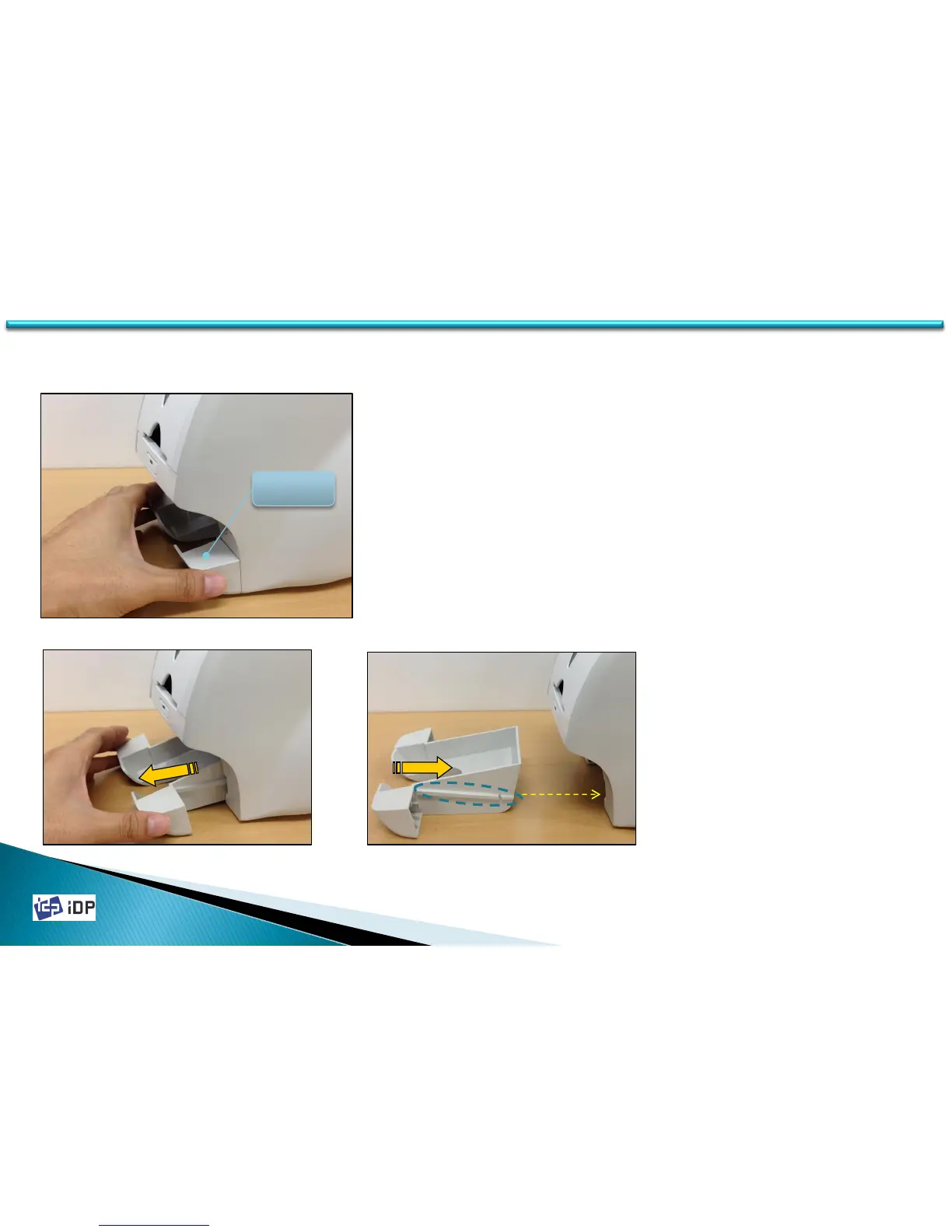
3.1.3 Stacker Unit
3.1 Covers
1. Hold both sides of the Stacker.
2. Pull out Stacker to separate it from printer.
At this time, hold printer to prevent printer
from moving.
3. When install Stacker into printer, push it
according the rail of the Stacker and the
track of printer.
4. Push the Stacker into printer until the
clicking sound.
STACKER



 To Next Page