2014-03-24
21
1.2.3 Cards Load
This section shows how to load plastic cards into the Smart Printer.
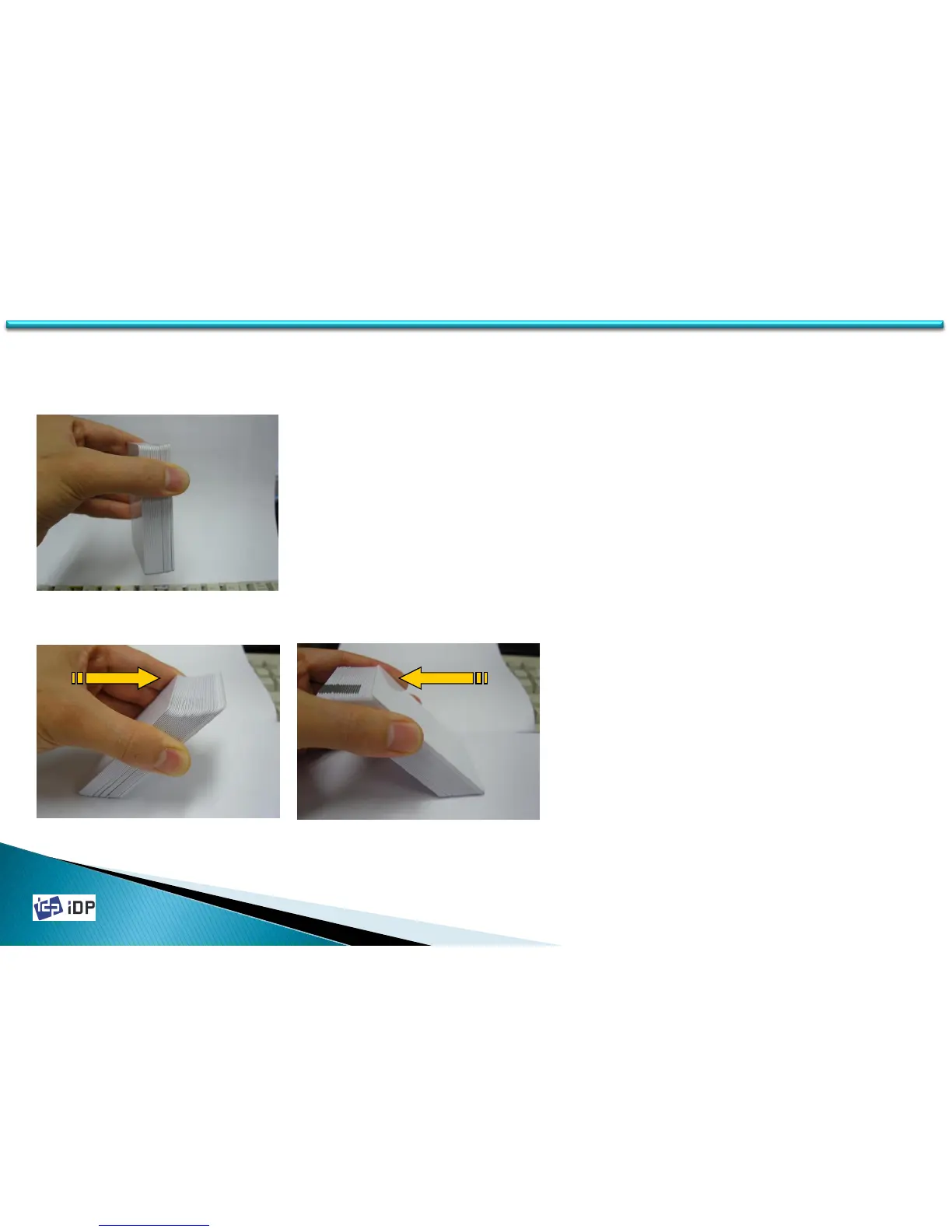
2. Push the stack back and forth to an angle
of about 45° vertically.
※ Caution! Static charge makes cards stuck
with significant adhesive force. These
cards must be physically separated from
each other before inserted into the feeder.
If not separated, feeding or printing
problems may occur.
Fig.2-14 Prepare cards 2
Fig.2-15 Prepare Cards 3
1. Properly hold cards by sides (Fiz.2-13).
※ Caution! Do not bend the cards and do not
touch the surface of the cards.
Fig.2-13 Prepare Card 1
1.2 Printer Installation and Instructions



 To Next Page