2014-03-24
22
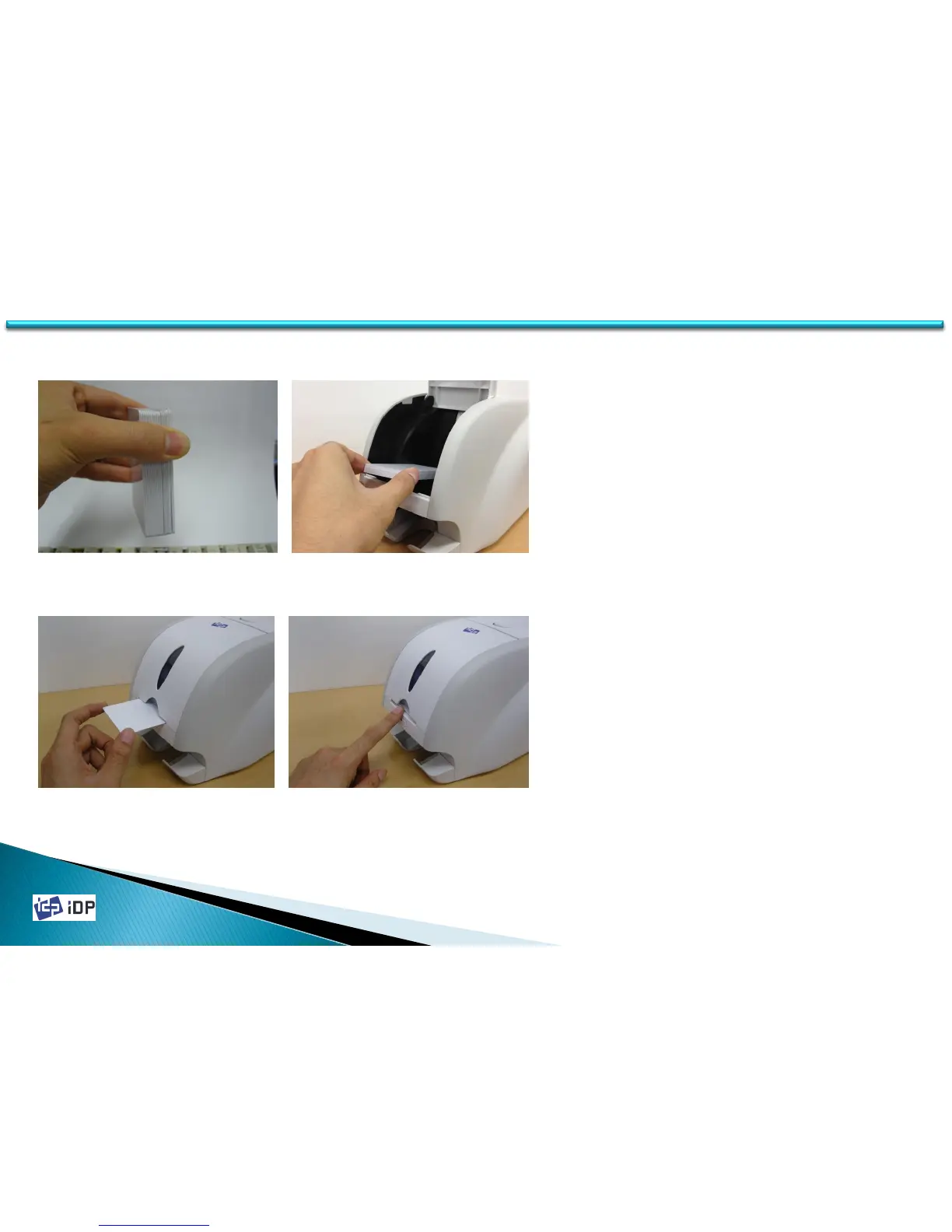
5. In case of one card insert, refer to Fig.2-
18 and Fig.2-19, and insert the card into
the hopper.
(Please push a card until you can’t push it
any more.)
Fig.2-18 Cards Load 3
Fig.2-19 Cards Load 4
3. Restore the cards stack to its original
condition.
4. Place the cards to the hopper and close the
hopper cover.
Fig.2-16 Cards Load 1 Fig.2-17 Card Load 2
1.2 Printer Installation and Instructions



 To Next Page