2014-03-24
187
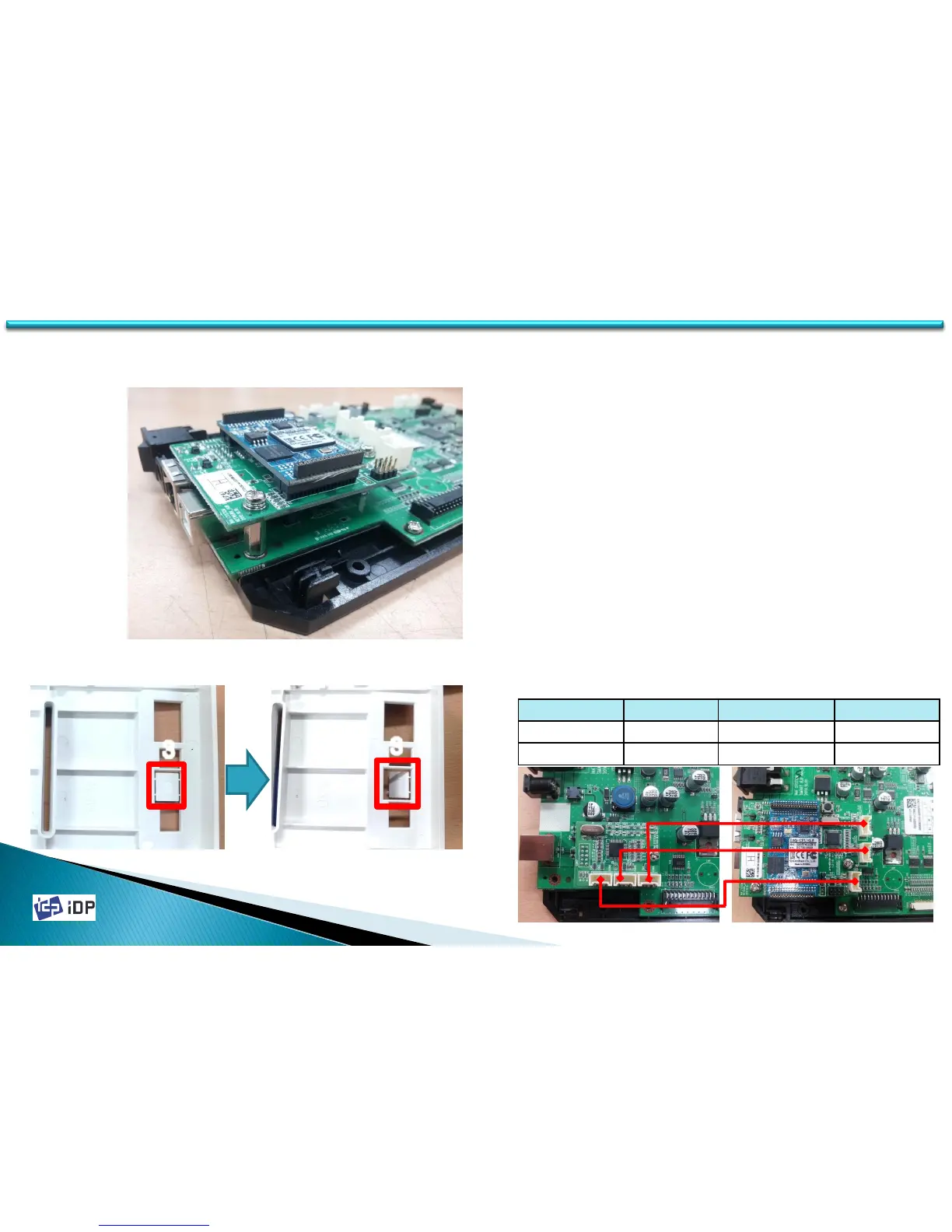
ETHERNET OPTION Wiring
USB HUB B/D
EHTERNET B/D
<Ethernet Option Installation>
<Remove Ethernet Port Protector>
3
3
C.6 Ethernet Option
1. If use only Ethernet Option, do not need another wiring.
2. If you need another option after installing of Ethernet,
please refer to description of connecting relation as photo
below. (reference: instruction of circuit)
3. In case assembling Rear Cover, remove the Ethernet port
protector. (Warning : please use the flathead screwdriver)
4. After remove the plastic piece, get rid of shape part.
Main B/D EXT RF Option



 To Previous Page