2014-03-24
100
Symptom Countermeasures Related Parts
When there is an error during card movement
Press the left key on the front side of printer to replay. If it not
moving and the problem is happen so often, please refer to the
below countermeasures.
1 Card size is not correct or it is not proper card Change to the proper card.
2 Using another DC adaptor.
Some problem might be happened if use another DC Adaptor
which is not supplied with the product. Please check DC Adaptor.
※ If use other DC Adaptor, Magnetic stripe encoding error or
other operation problem can be occurred.
3 There is dust on the surface of cards Clean the card or change to new card.
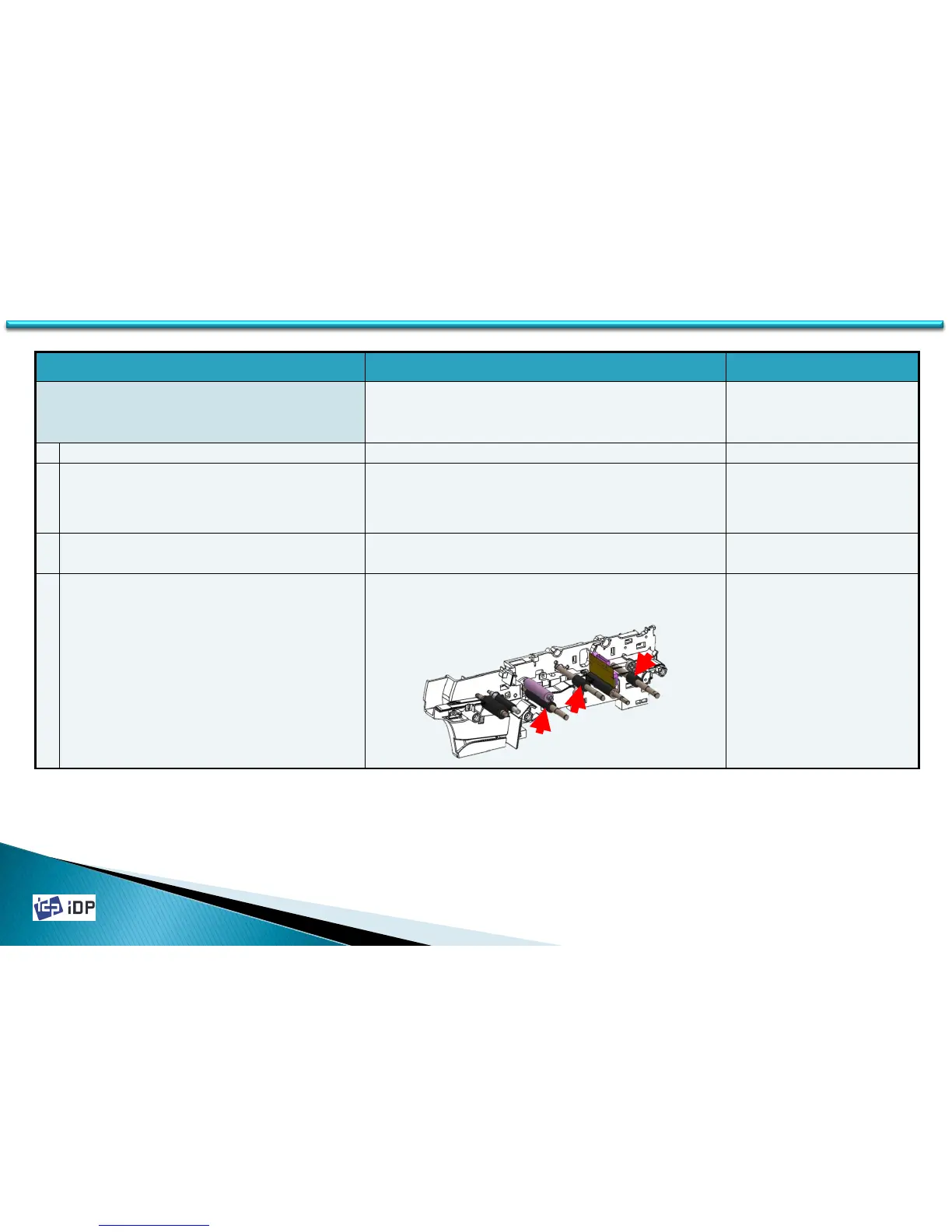
4 There is dust on the moving rollers
Clean the cleaning roller using the cleaning card kit. The related
rollers are IC roller, cleaning roller fixed, MS(Magnetic Stripe)
roller.(See 2.2 Thermal Head and Rollers)
5.2 Card Moving



 To Next Page