116 Keysight E4980A/AL Precision LCR Meter
Configuring Measurement Conditions (Display and Function Related Settings)
CORRECTION page
4-
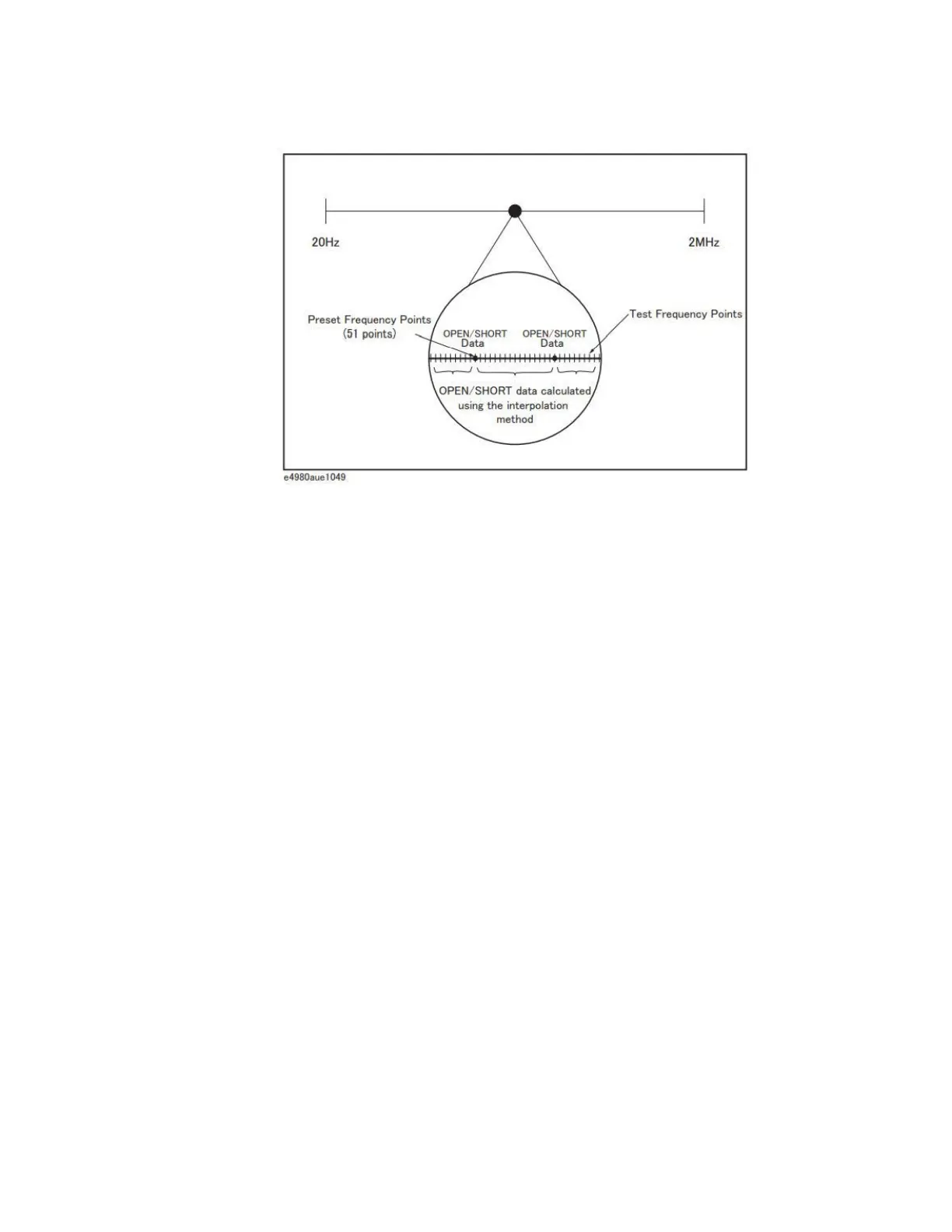
Figure 4-10 Open/short correction using the interpolation method
To carry out open correction based on all frequency points:
Step 1. Press [Meas Setup].
Step 2. Press the CORRECTION softkey.
Step 3. Using the cursor keys, select the OPEN field.
Step 4. Connect the UNKNOWN terminal and the text fixture with no DUT connected.
Step 5. Press the MEAS OPEN softkey. The E4980A/AL measures open admittances
(capacitances and conductances) at the 51 test frequency points.
• During the measurement, an “OPEN measurement in progress” message is
shown on the display.
• When the measurement has finished, the “OPEN measurement in progress”
message disappears.
• During the measurement, the ABORT softkey is shown. Use this key when
you want to abort open correction.











 To Next Page