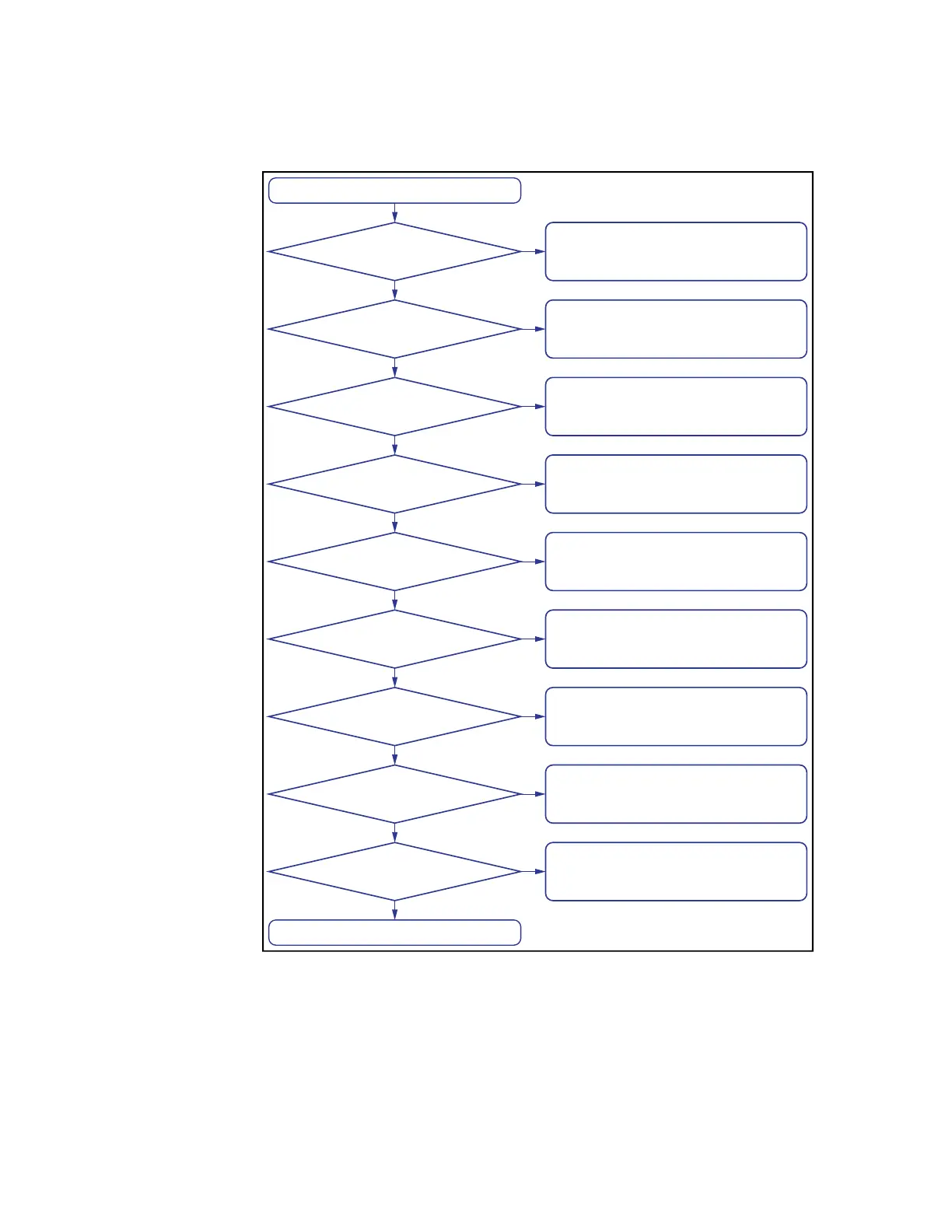
Start
End
Restart from Factory
Reset solves the
trouble?
Able to write into
USB memory?
Able to input from
front keys?
Beeping persists?
Overload message is
displayed?
Measured value is
expected?
Normal measurement
screen appears?
Power On?
Error messages or
Warning messages
solves the trouble?
Go to The system does not start up
troubleshooting
Go to The system starts up, but the
normal measurement screen does not
appear troubleshooting
Go to Clearly abnormal measured value
troubleshooting
Note: Correction data might set incorrectly
Go to An overload message is displayed
troubleshooting
Go to Beeping persists when turning on
the comparator function troubleshooting
Go to The front panel keys are unavailable
troubleshooting
Go to Saving to USB memory fails
troubleshooting
Follow the suggestions on Error
Messages / Warning Messages
Contact Keysight Technology’ s Sales
and Service Office or the company from
which you bought the device.
Yes
Yes
Yes
No
No
No
No
No
Yes
Yes
No
No
No
No
Yes
Yes
Yes
Yes











 To Next Page