FlexLine plus, Settings
51
EDM Settings - Enter
Atmospheric Data
This screen enables the entry of atmospheric parameters. Distance measurement is
influenced directly by the atmospheric conditions of the air in which the measure-
ments are taken. In order to take these influences into consideration distance meas-
urements are corrected using atmospheric correction parameters.
The refraction correction is taken into account in the calculation of the height differ-
ences and the horizontal distance. Refer to "17.7 Scale Correction" for the application
of the values entered in this screen.
EDM Settings - Enter
Projection Scale
This screen enables entry of the scale of projection. Coordinates are corrected with
the PPM parameter. Refer to "17.7 Scale Correction" for the application of the values
entered on this screen.
EDM Settings - Enter
Individual PPM
This screen enables the entry of individual scaling factors. Coordinates and distance
measurements are corrected with the PPM parameter. Refer to "17.7 Scale Correction"
for the application of the values entered on this screen.
EDM Settings - EDM
Signal Reflection
This screen tests the EDM signal strength (reflection strength) in steps of 1%. Enables
optimal aiming at distant, barely visible, targets. A percentage bar and a beeping
sound, indicate the reflection strength. The faster the beep the stronger the reflec-
tion.
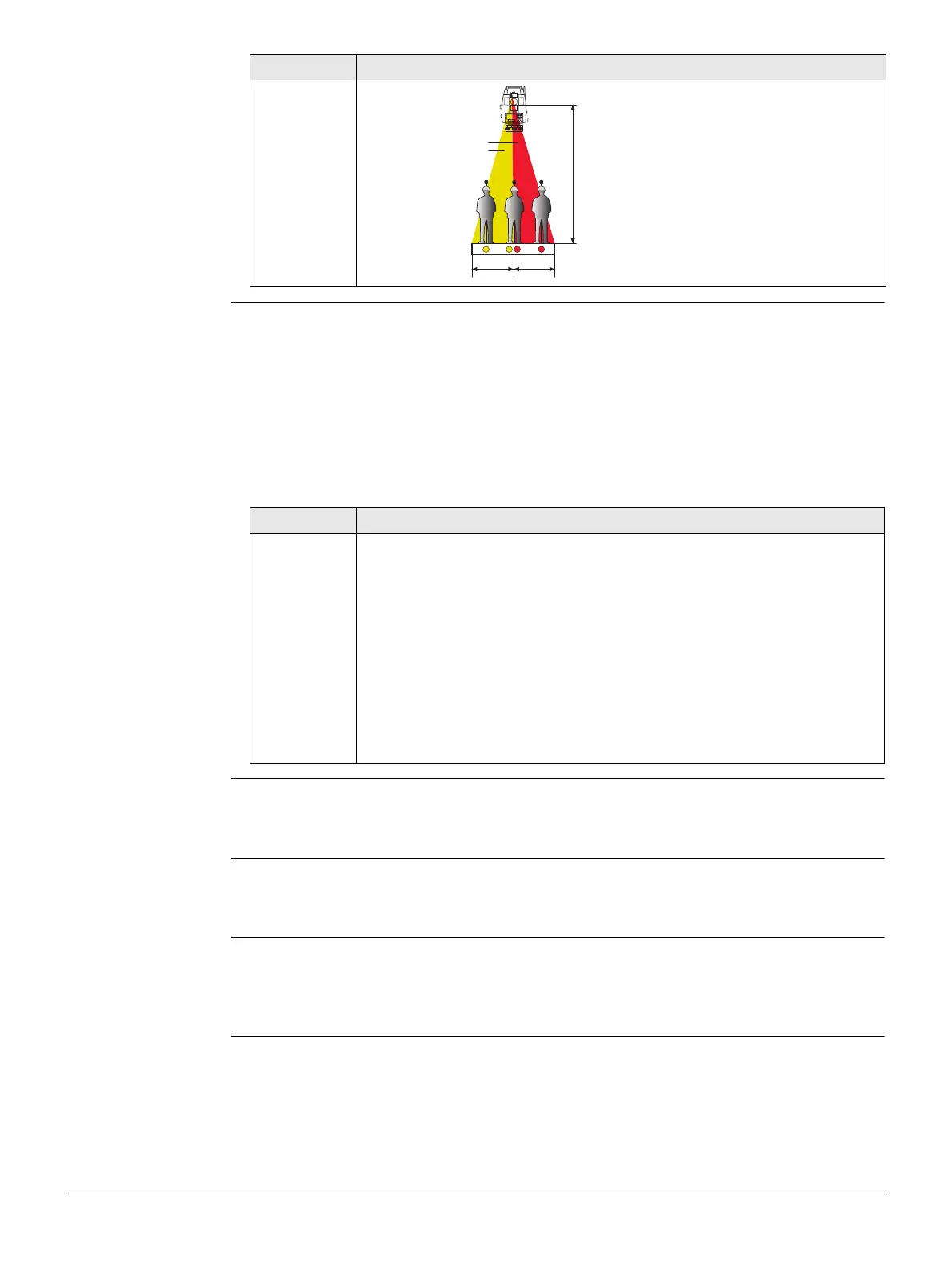
a) Flashing red diode
b) Flashing yellow diode
Field Description
TSOX_095
a
b
6 m
(20 ft)
6 m
(20 ft)
100 m (300 ft)
When PPM=0 is selected, the Leica standard atmosphere of 1013.25 mbar,
12°C, and 60% relative humidity is applied.
Field Description
Temp.Meas. Auto When a distance is measured using Meas or Dist, the
temperature is read from the instrument temperature
sensor. The value is displayed in the Temperature field.
The atmospheric ppm is recalculated and displayed in
the Atmos PPM field. Measured distances are corrected
with the new atmospheric ppm.
Single When pressing Temp, the temperature is read from the
instrument temperature sensor. The value is displayed
in the Temperature field. The atmospheric ppm is recal-
culated and displayed in the Atmos PPM field.
Manual The temperature value can be entered manually.



 To Next Page