102
refresh with the same start address.
The will use the last entry of the currently displayed table as a basis for the next lookup.
When the end is reached the text "No more entries" is shown in the displayed table.
Use the button to start over.
Web Interface
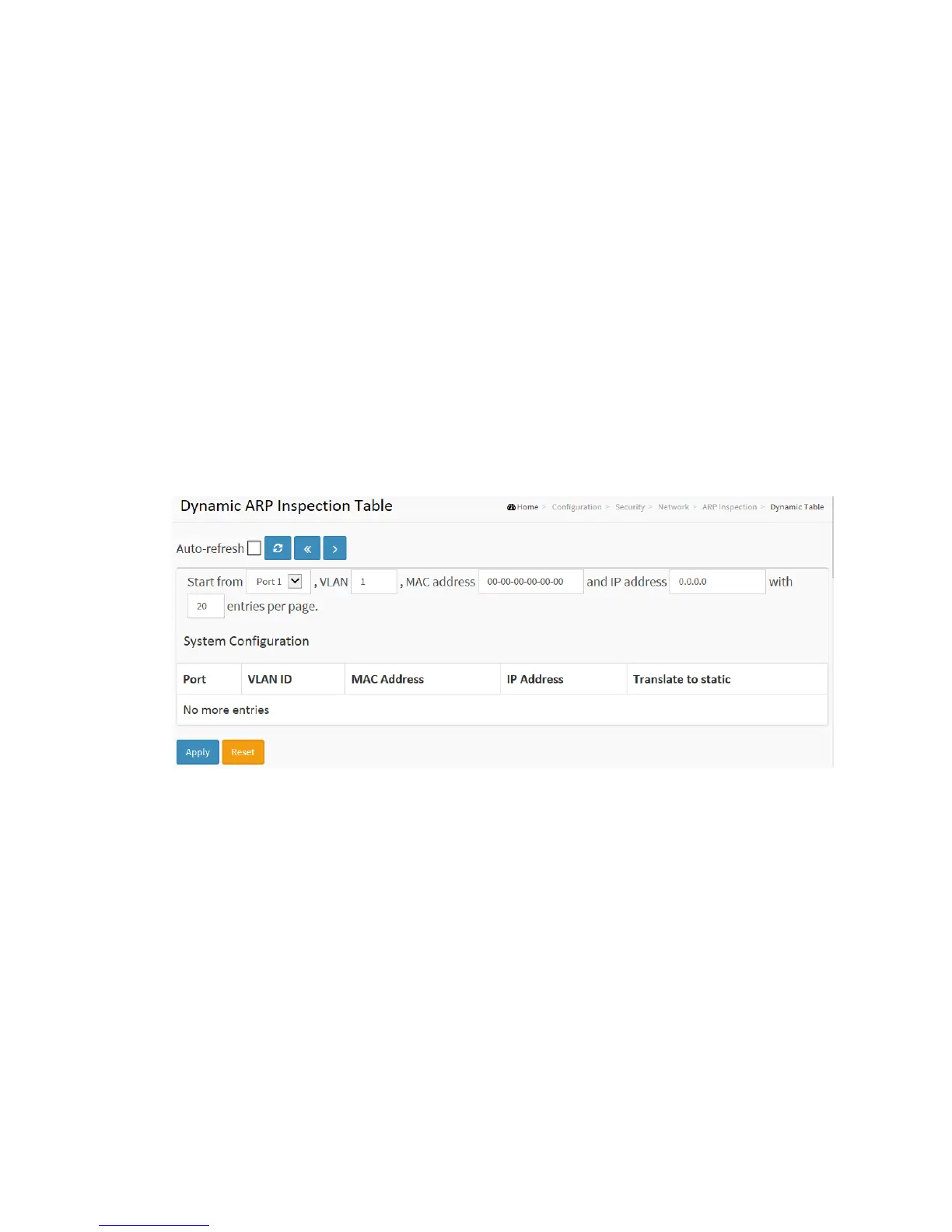
To configure a Dynamic ARP Inspection Table Configuration in the web interface:
1. Click Configuration, Security, Network, ARP Inspection and Dynamic Table
2. Specify the Port, VLAN ID, IP Address, and MAC address in the entry.
3. Click Apply.
Figure 2-5.2.5.4: The Dynamic ARP Inspection Table
Parameter description:
ARP Inspection Table Columns
Port
Switch Port Number for which the entries are displayed.
VLAN ID
VLAN-ID in which the ARP traffic is permitted.
MAC Address



 To Next Page