390
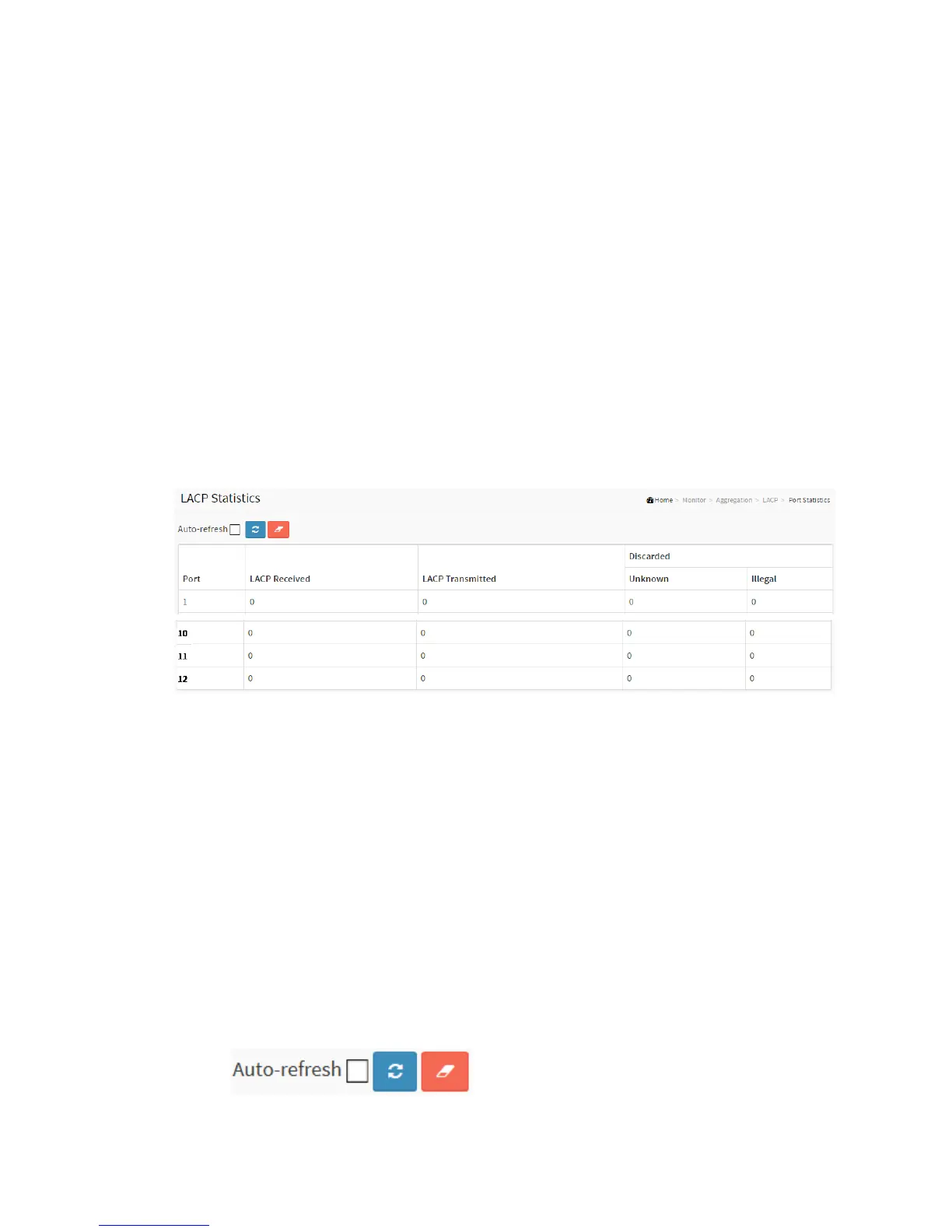
This page provides an overview for LACP statistics for all ports.
Web Interface
To display the LACP Port Statistics in the web interface:
4. Click Monitor, LACP, Port Statistics
5. If you want to auto-refresh the information then you need to evoke the “Auto
refresh”.
6. 3. Click “Refresh” to refresh the LACP Statistics.
Figure 3-7.2.1.3: The Port Statistics
Parameter description:
Port
The switch port number.
LACP Received
Shows how many LACP frames have been received at each port.
LACP Transmitted
Shows how many LACP frames have been sent from each port.
Discarded
Shows how many unknown or illegal LACP frames have been discarded at each
port.
Buttons



 To Next Page