51
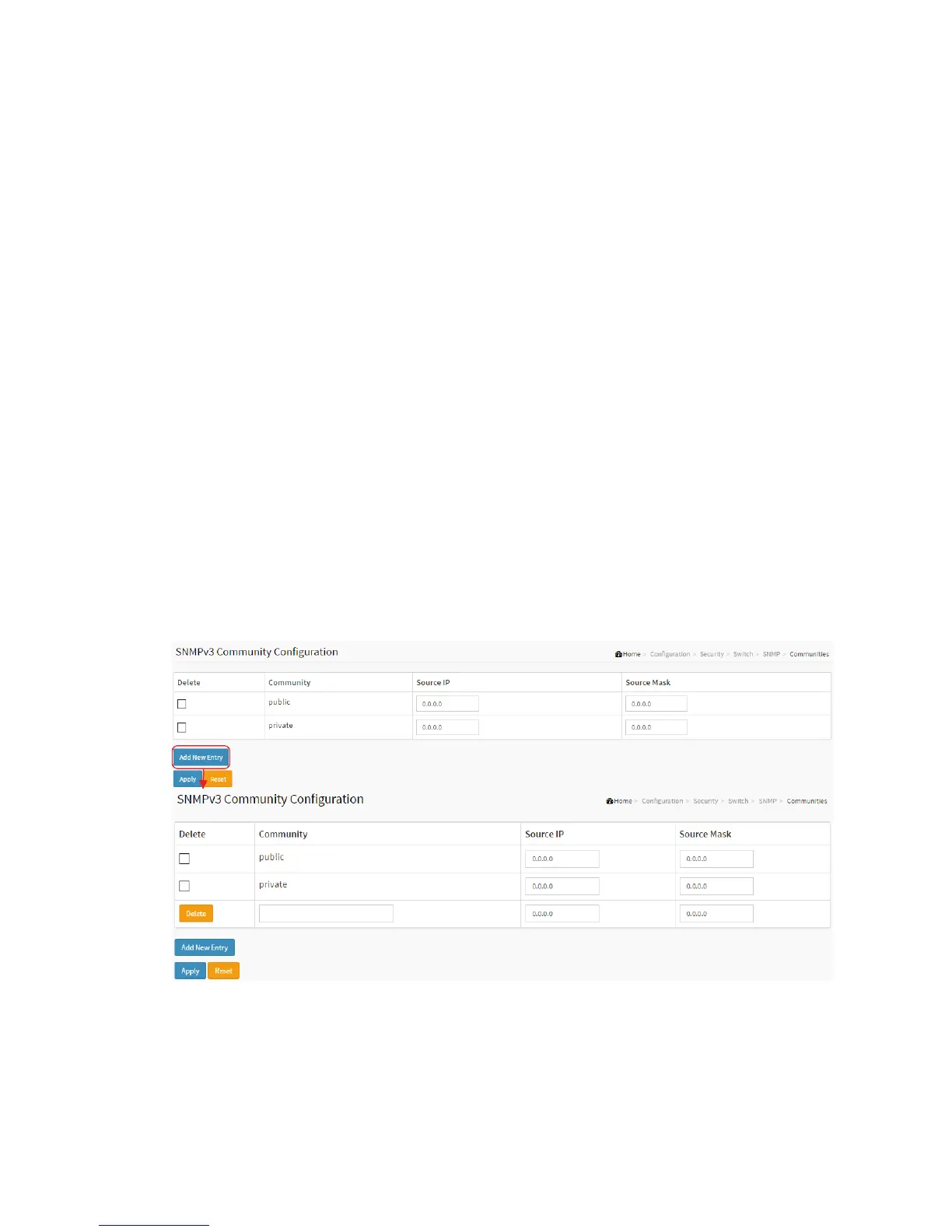
2-5.1.7.3 Communities
The function is used to configure SNMPv3 communities. The Community and
UserName is unique. To create a new community account, please check <Add new
community> button, and enter the account information then check <Save>. Max
Group Number: 4.
Web Interface
To display the configure SNMP Communities in the web interface:
1. Click SNMP, Communities.
2. Click Add new community.
3. Specify the SNMP communities parameters.
4. Click Apply.
5. If you want to modify or clear the setting then click Reset.
Figure2-5.1.7.3: The SNMPv1/v2 Communities Security Configuration
Parameter description:
Delete



 To Next Page