11-7
REFERENCE
• Use 12cm disc only. Do not use 8cm disc or an adapter for 8cm disc it may cause
damage to the unit.
• Never insert anything but a regular compact disc into the disc
slot.
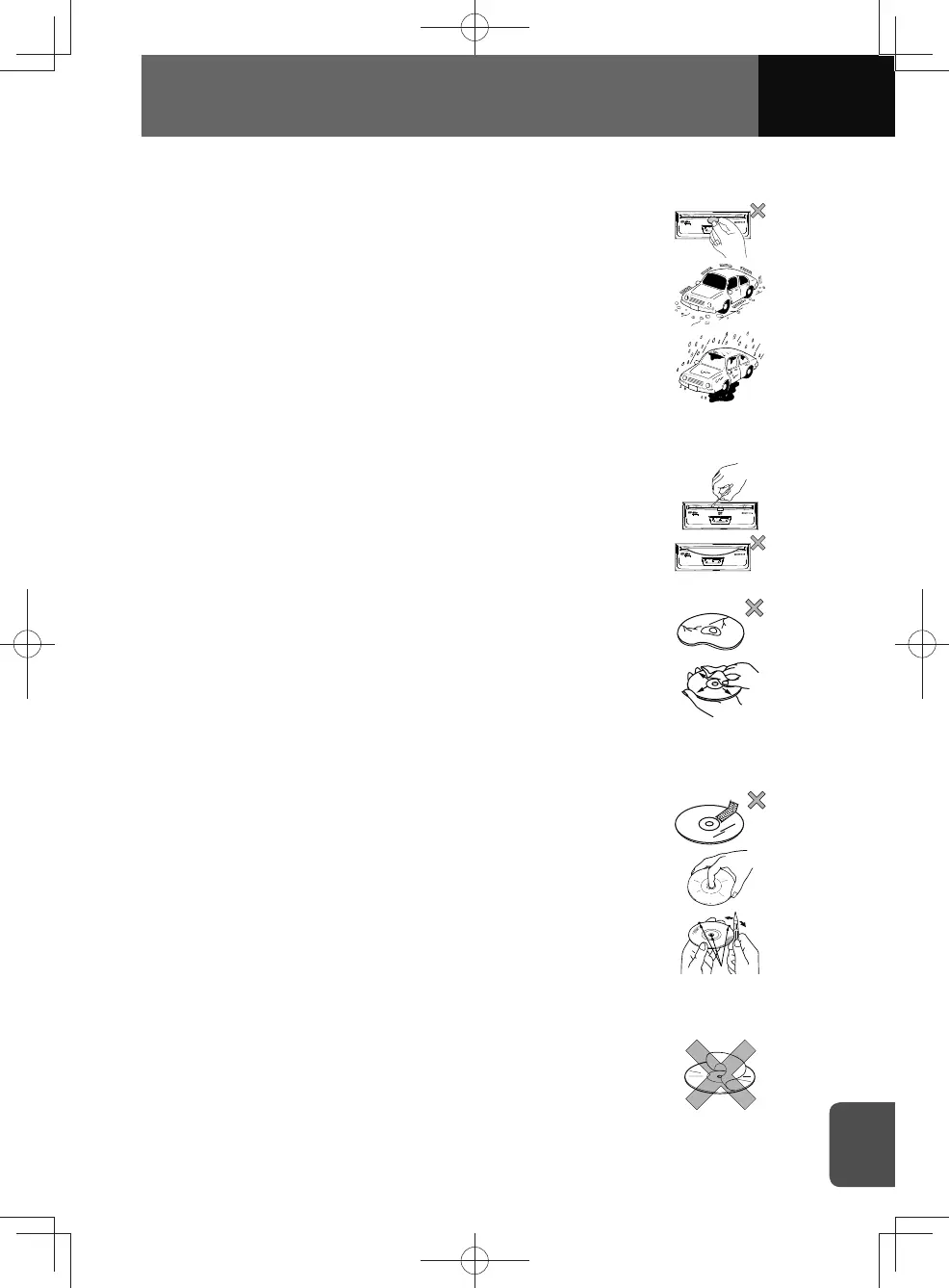
• Avoid playing discs while driving on rough roads, as severe
vibration will cause skipping or other mis-operation.
• Dehumidification:
In cold or rainy weather, just as the interior glass gets
fogged, water condensation may also settle on the product.
When this occurs, disc playback may become intermittent
or impossible. Dehumidify the air in the vehicle for a while
before resuming playback.
• Cleaning disc slot:
The disc slot tends to get dusty. Clean it occasionally to
prevent accumulated dust from scratching the discs.
• Do not leave an ejected disc in the disc slot for long periods;
the disc may warp. Store discs in their cases away from high
temperature and humidity.
• Avoid using badly scratched or warped discs. Scratched
discs may cause skipping or sticking, and warped discs may
become stuck in the unit.
• When the disc becomes dirty, wipe it gently with a
soft, lint-free cloth, from centre to the edge. To remove
fingerprints or other oily residue from the disc's surface, use
a commercial disc cleaning fluid or spray. Never use record
cleaning sprays, solvents, or abrasive cleaners on a compact
disc.
• Never put tape, a label, or scratches on a disc. They prevent
the disc from playing.
• Avoid touching the recorded surface when handling a disc;
handle discs by their edges.
• You may notice that some brand new discs are rough around
the centre hole and outside edge. Remove the rough edges
with the side of a ballpoint pen or the like. Rough edges may
prevent appropriate loading in the unit. Flakes from the rough
edges may also stick to the recorded surface and interfere
with playback.
• Do not use accessories, such as stabilizers, protective seals,
laser lens cleaners sold for improving sound performance or
protecting discs. The changes in disc thickness or outside
dimensions resulting from use of these accessories may
cause problems in the unit.











 To Next Page