214
M
OBILELINK SYNCING MOBILE CALL HISTORY
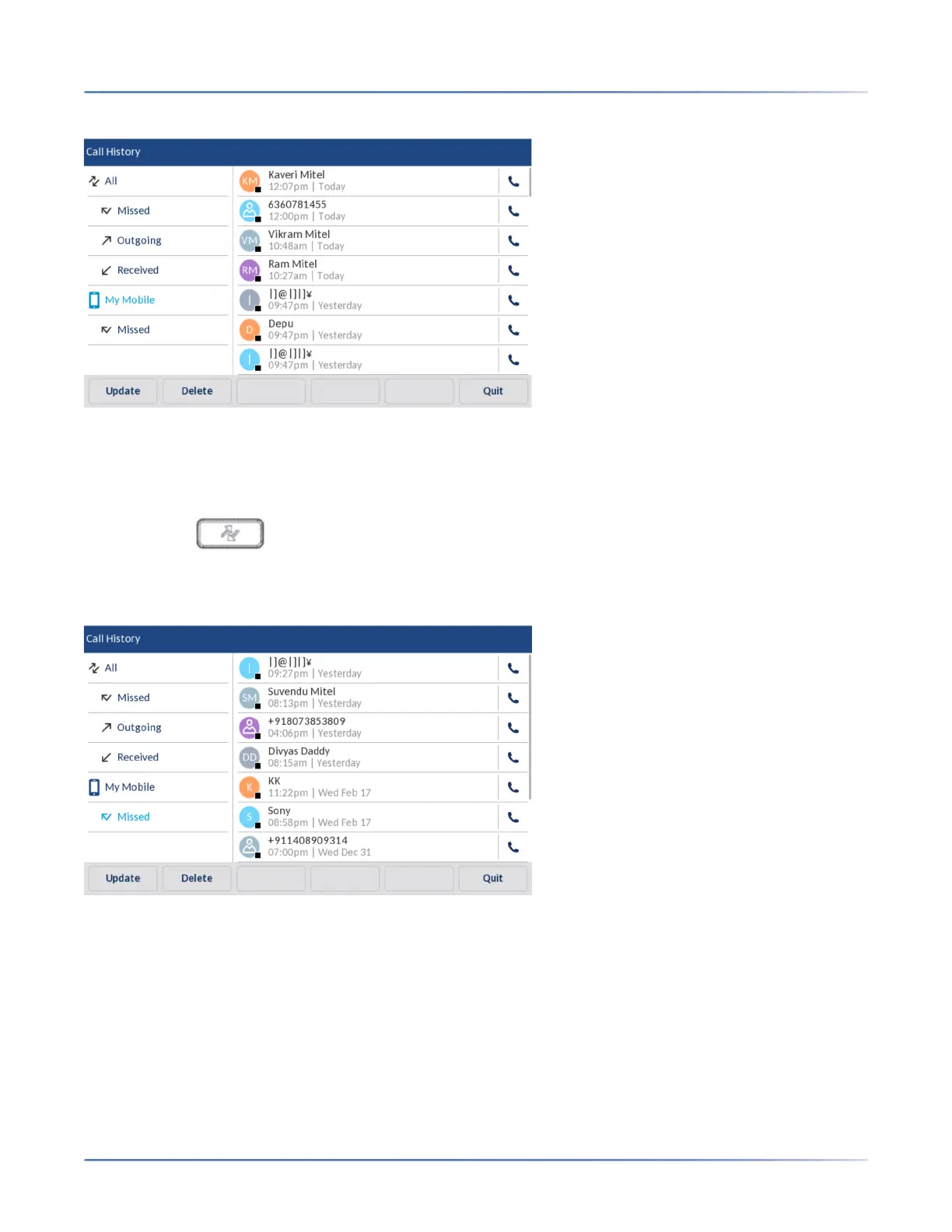
Your mobile phone call history is displayed on the screen.
Viewing mobile missed calls
To view mobile missed calls:
1. Ensure that you have paired your mobile phone with your 6940 IP phone. See Pairing a Bluetooth
device.
2. Press the ( Call History) key.
3. Tap Missed.
Your mobile phone missed calls is displayed on the screen.
Viewing details of a mobile call history or missed call entry
To view details of a mobile call history or missed call entry:
1. Navigate to My Mobile or Missed folder. See Viewing mobile call history or Viewing mobile missed
calls.
2. Tap the call history or missed calls entry in the selection column for which you want to view the details,
and then tap the right-arrow.



 To Next Page