Spitfire – Maintenance Manual
69
AP-74096, Rev. 1.0, 09/06/05
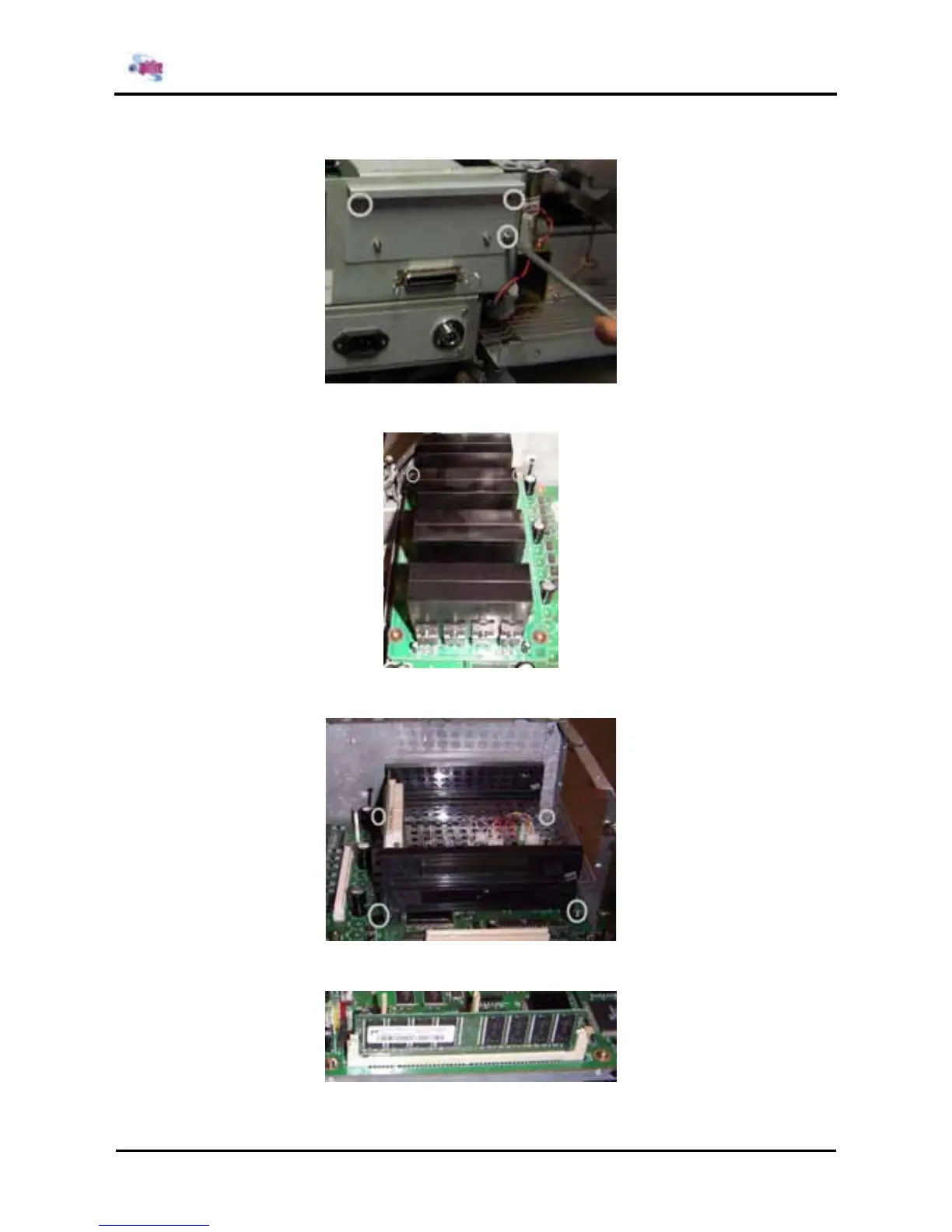
Step 10 : Remove the hard disk assembly by loosening the 3 screws.
Step 11 : Remove the HEAD_DRV board and FCC protection by loosening the 4 screws.
Step 12 : Remove the hard disk brackets and FCC protection by loosening the 4 screws.
Step 13 : Remove the RAM out of the slot and put it in the new mainboard.















 To Next Page