-76-
Chapter5 Remote Manager Interface
This chapter describes how to use the Library's Ethernet functions ((Remote Manager interface),
SNMP Agent, and email notification).
5.1 Connection Configuration
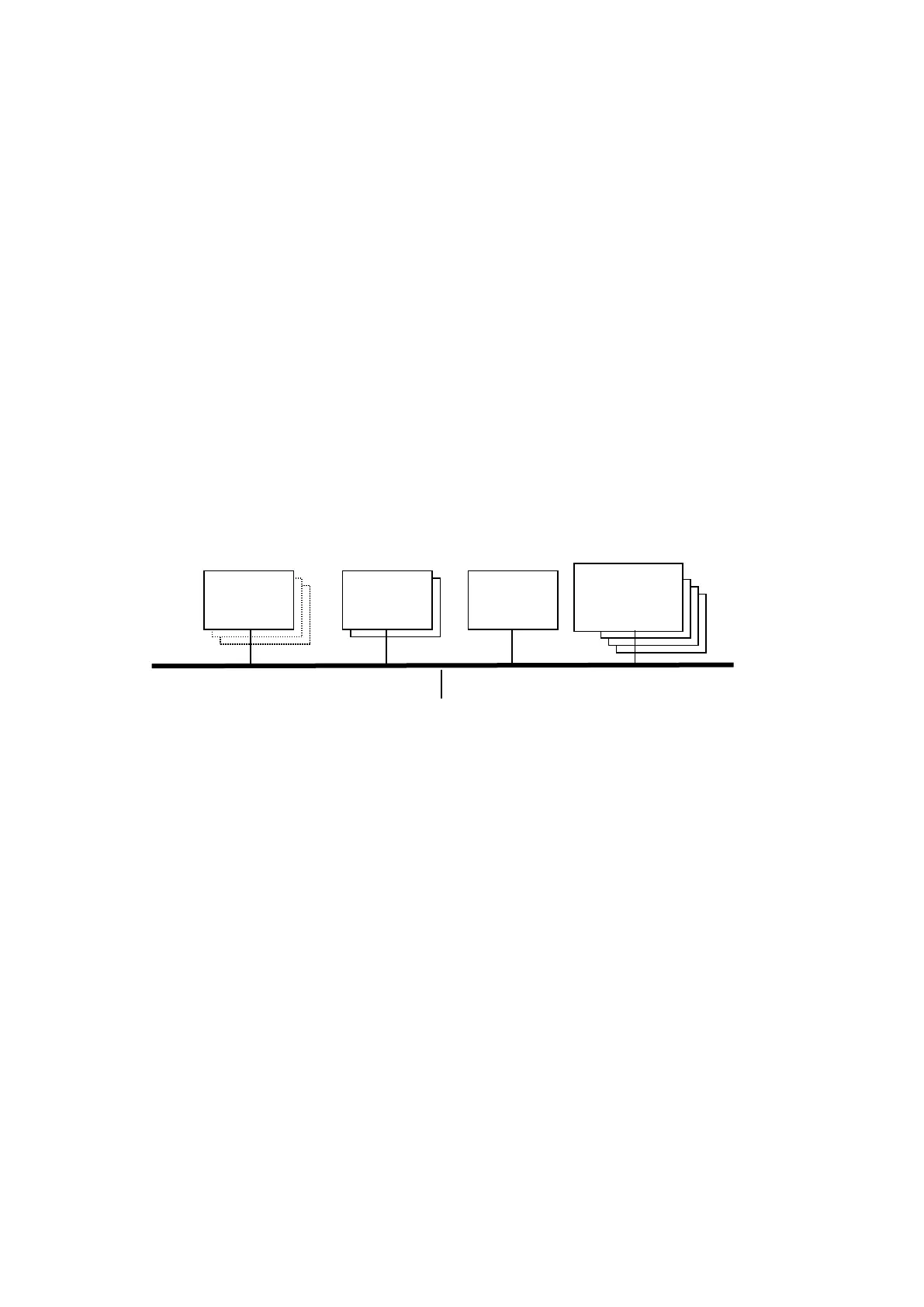
The following configuration is required when using Ethernet functions.
(1)General
・10BASE-T/100BASE-TX/1000BASE-T LAN(full duplex or half duplex is OK, Gateway is
accessible)
(2)Remote Manager Interface
Web browser : Operation is confirmed with Internet Explorer 7 / Internet Explorer 8 /
Internet Explorer 9 / Internet Explorer 10 / Internet Explorer 11 / Firefox3.6.
(3)SNMP function
SNMP Manager: Trap reception and MIB extraction by an MIB browser are enabled. Various
settings are required to enable monitoring. (See the relevant software
manual for description of these settings.)
※SNMP : Simple Network Management Protocol
(4)email notification
Mail server does not require SMTP authentication (mail servers that do require SMTP
authentication are not supported)
※SMTP : Simple Mail Transfer Protocol
LAN
(10BASE-T/100BASE-TX/1000BASE-T)



 To Next Page