-69-
4.7 Using the operation panel to move cartridges
4.7.1 Load cartridge into drive
The following describes how to use the operation panel to move a cartridge from a specified
magazine slot into the drive.
In this example, the cartridge in slot 1 will be loaded into the drive #1.
1) [Login]. See Section 4.3Login for detail.
2) Select [Commands].
3) Select [Move Cartridge] from [Commands].
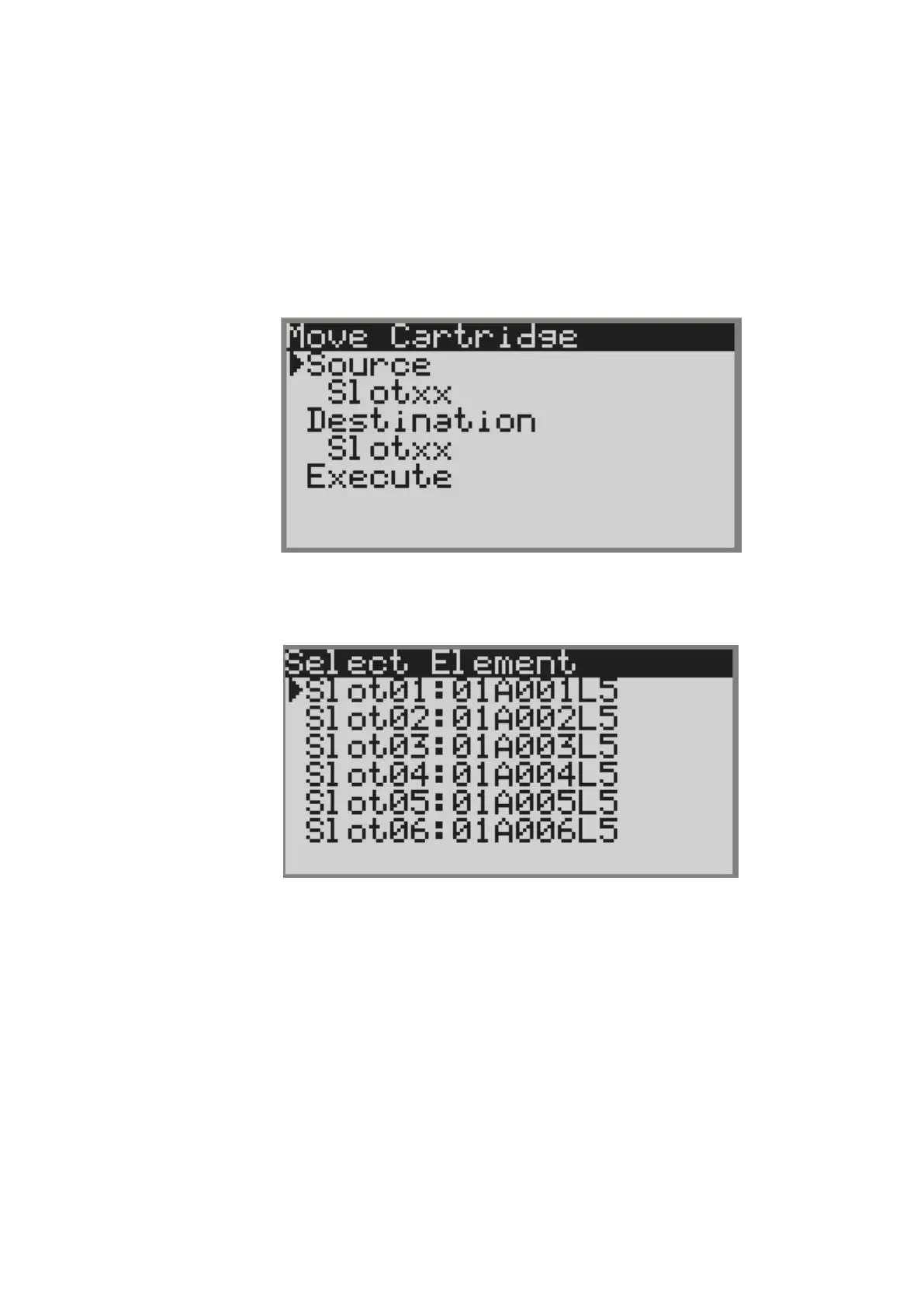
4) The screen to specify the Source and Destination is displayed.
Figure 4-10 Move Cartidge
5) Select [slotxx] under [Source], and the slot where the cartridge is stored is displayed.
In this example, select slot01.
Figure 4-11 Select source Screen



 To Next Page