-129-
6.2.1.1 Registering the activation key
You can use the encryption key management function by registering the activation key described in
the license sheet.
To register the activation key, see 5.6.5.10.
Make sure that no tape media is inserted in the tape drive before registering the
license key.
6.2.1.2 Checking the license key registration status
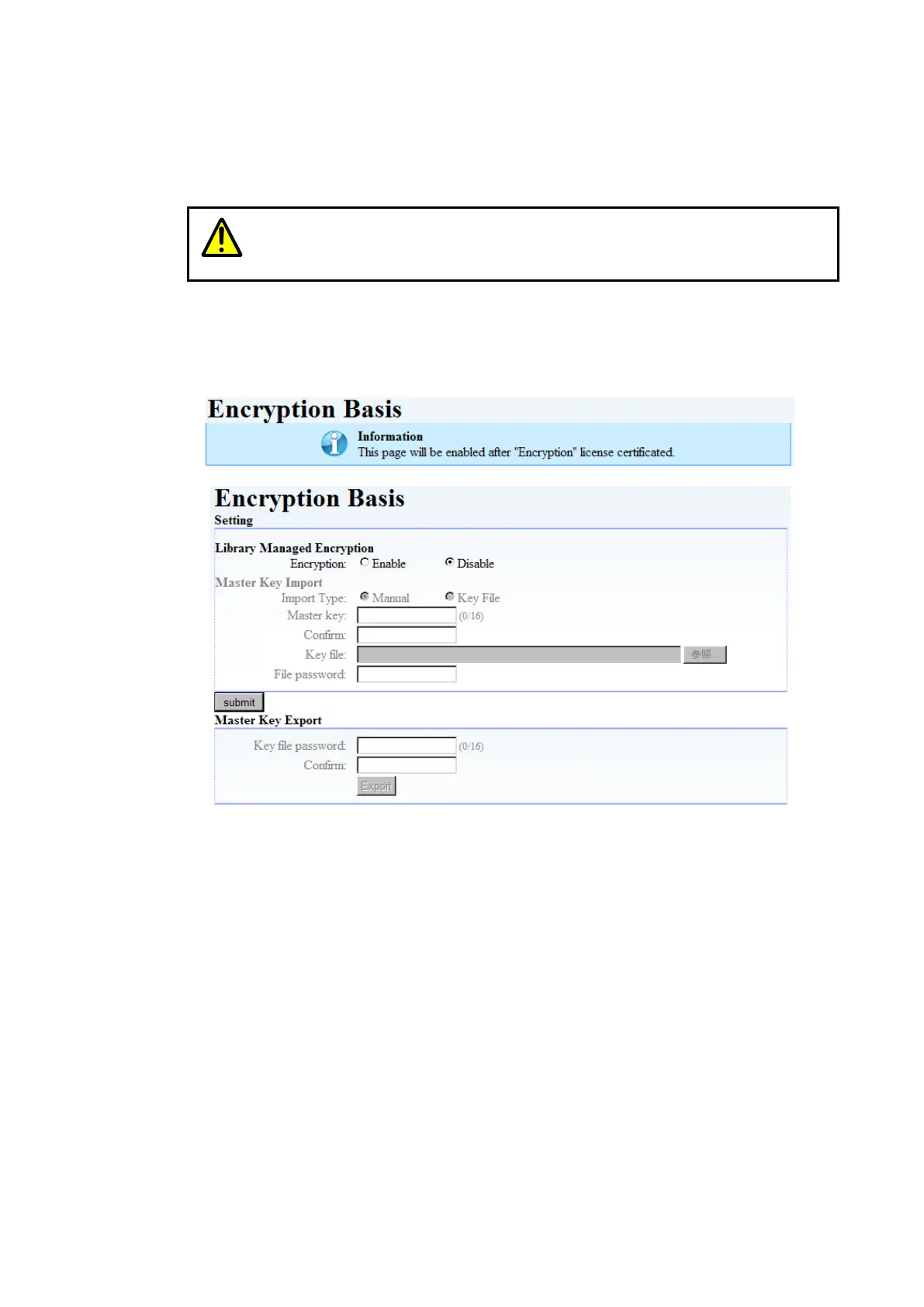
If the Setting screen in Figure 6-2 is displayed, the activation key has been registered. The activation
key is not registered when displayed, "This page will be enabled after “Encryption" license
certificated". Please input the activation key.
Figure 6-1 activation key is not registered
Figure 6-2 activation key is registered



 To Next Page