-78-
5.3 Startup of Remote Manager Interface
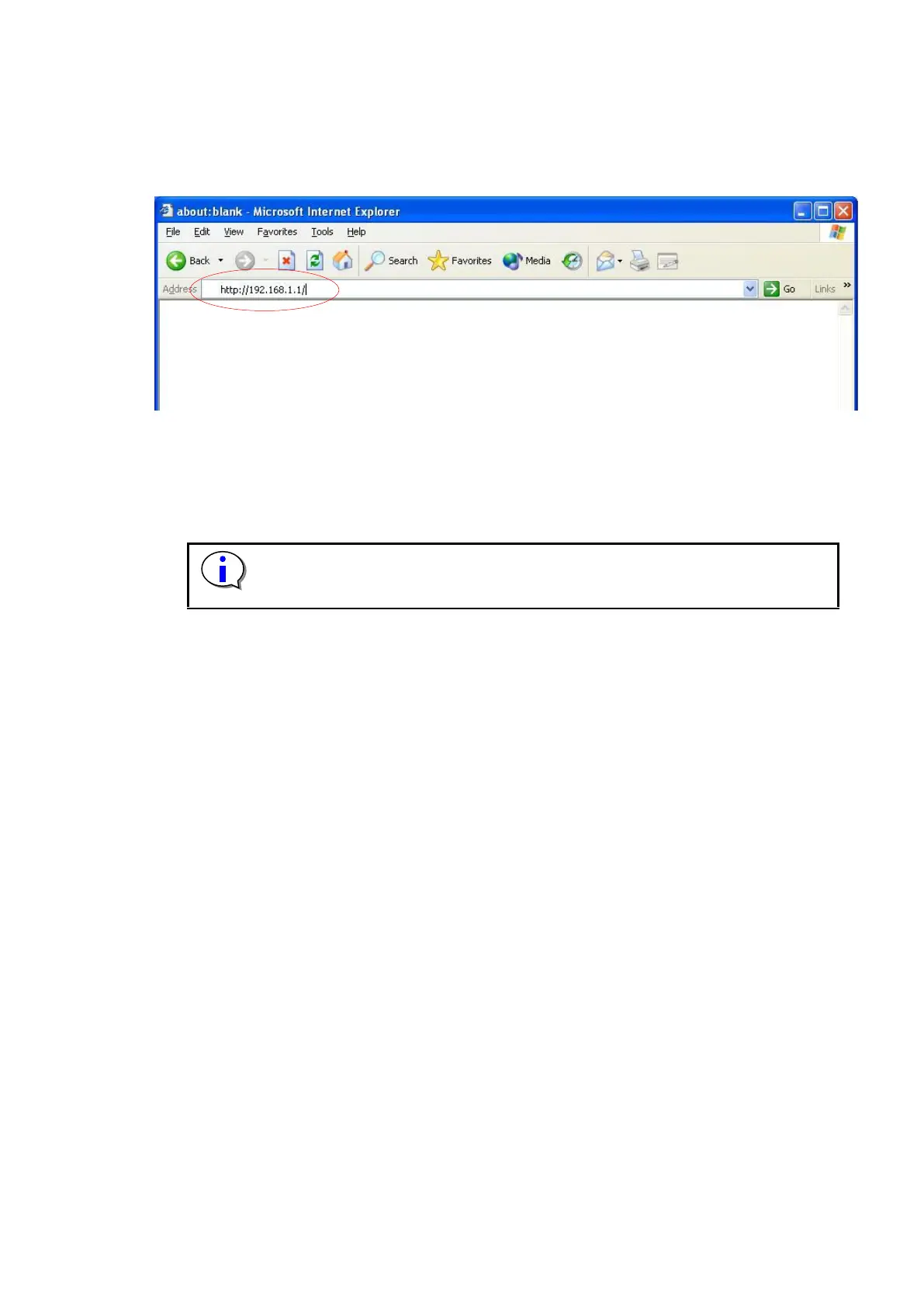
Open a Web browser from any network-connected terminal, and enter the IP address that was set for
the Library as the URL.
Figure 5-1 Input URL
If this product and the terminal are normally connected with the network respectively, the log in
screen is displayed as the first stage screen.
Please end a browser from the task manager when a browser doesn't react. Afterwards,
please reactivate a browser again.



 To Next Page