-93-
5.6.4 Library management menu (Manage Library)
5.6.4.1 Move Cartridge window (Move Cartridge)
[Manage Library]-[Move Cartridge] Service/Administrator/Super user
[Function]
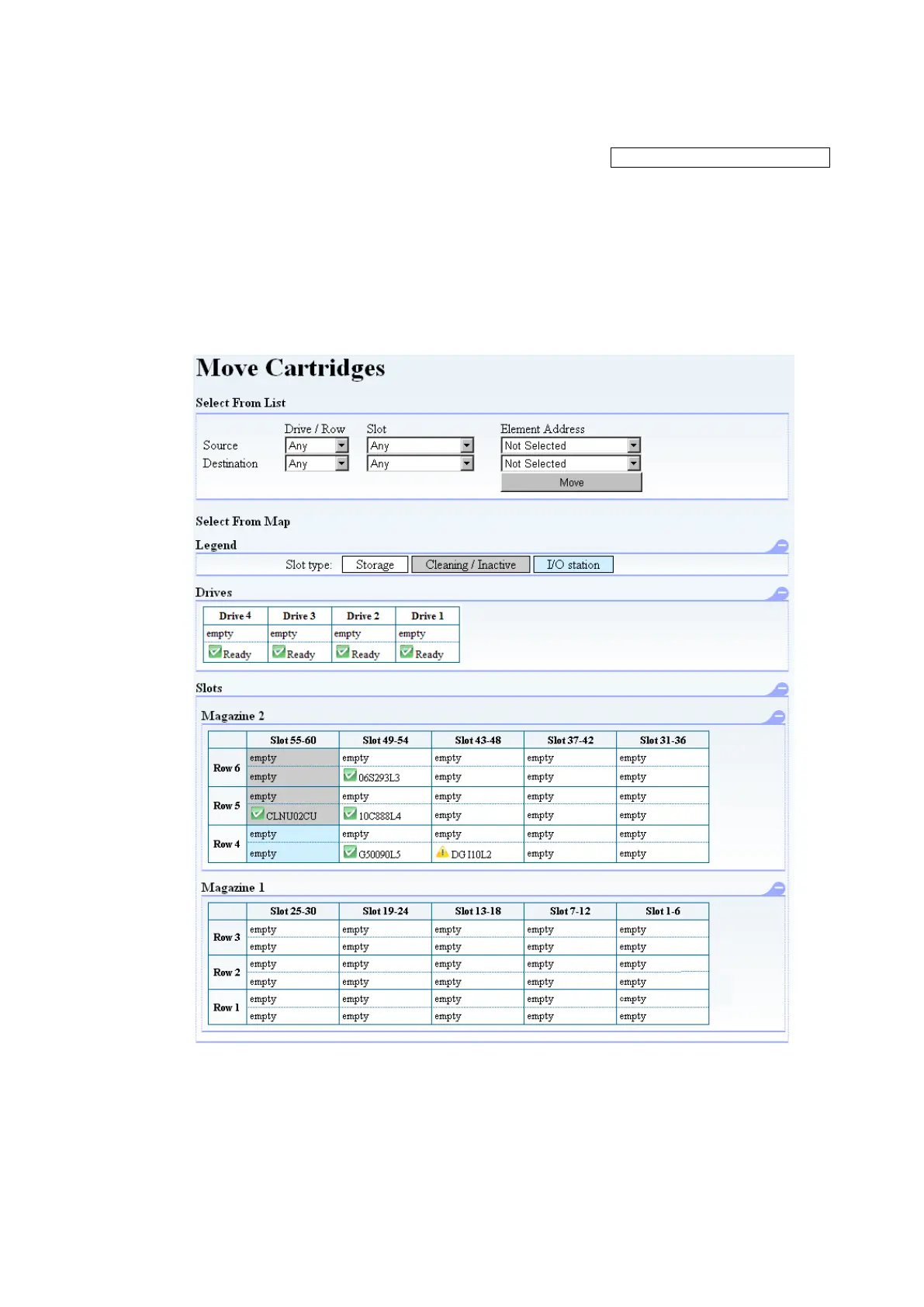
This window's functions are similar to those of the operation panel's [Move Cartridge] menu, which
moves the cartridges by specifying the source and destination of each cartridge to be moved.
[Use method]
Specifying the source element address and the destination element address to move cartridge.
[Information]
Figure 5-12 Move Cartridge



 To Next Page