-185-
10.13 Replacing the Front bezel L
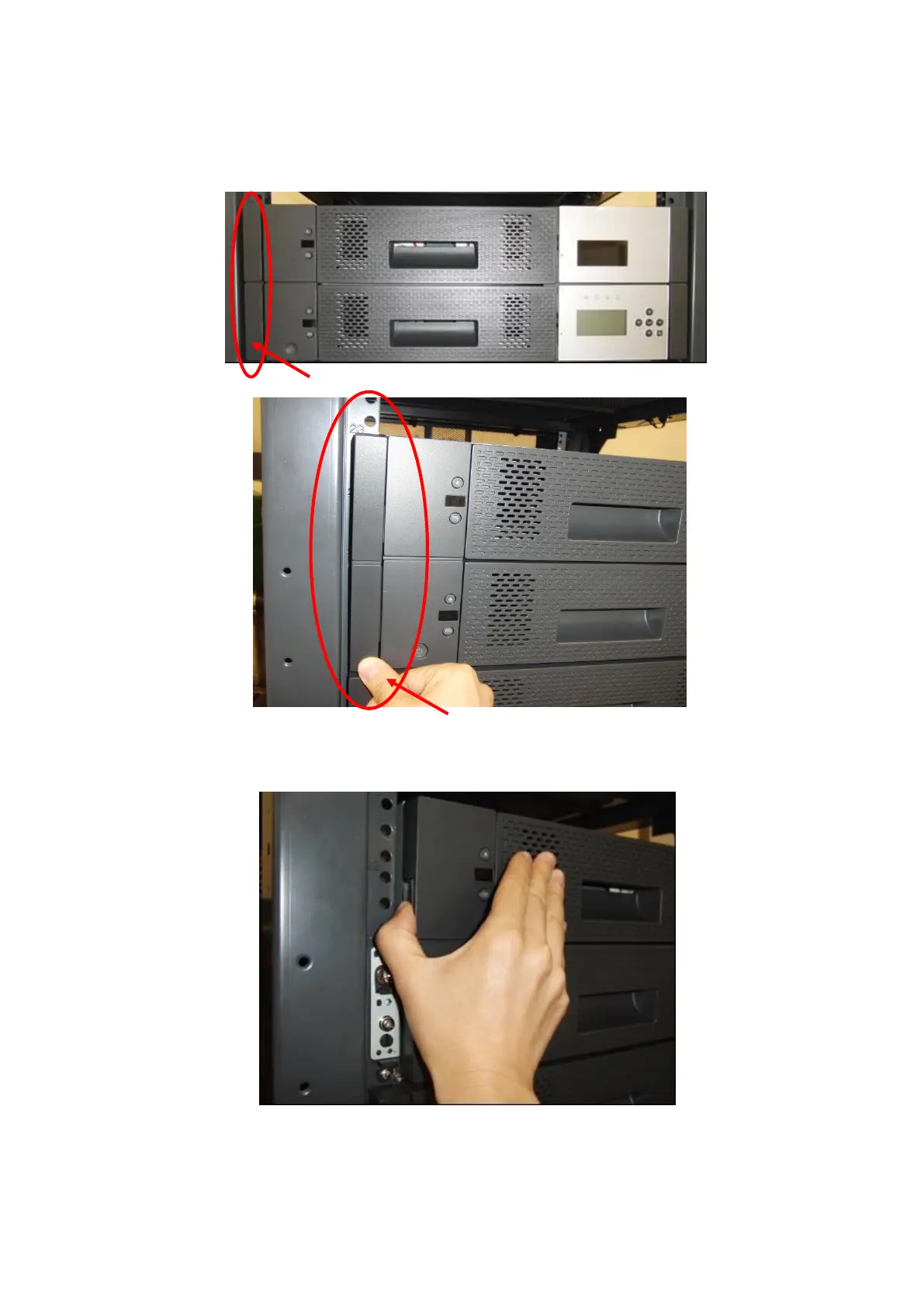
1. Remove rack ear L.
To remove it, push its underside.
2. Remove front bezel L of the magazine operating panel.
Remove it while pushing the left lock.
3. Mount front bezel L and rack ear L using the opposite procedure to the procedure used to demount
them.
Push the underside of the rack ear and remove it.



 To Next Page