-32-
Chapter4 Operator Panel
This chapter describes how to use the operation panel and how to enter settings for the Library and the
cartridge drive.
Settings can be entered for the Accessor and the drive only after the Library has been reset.
4.1 Panel Indications
The library unit has three screens. The [Menu screen] is used for operation and setting of library unit.
The [Status Display screen] is for real-time display of the internal state of library unit. The
[Asynchronization message screen] display the message to draw attention to the operator. Described
below is detailed explanation of [Menu screen], [Status Display screen] and [Asynchronization message
screen].
4.1.1 Menu Screen
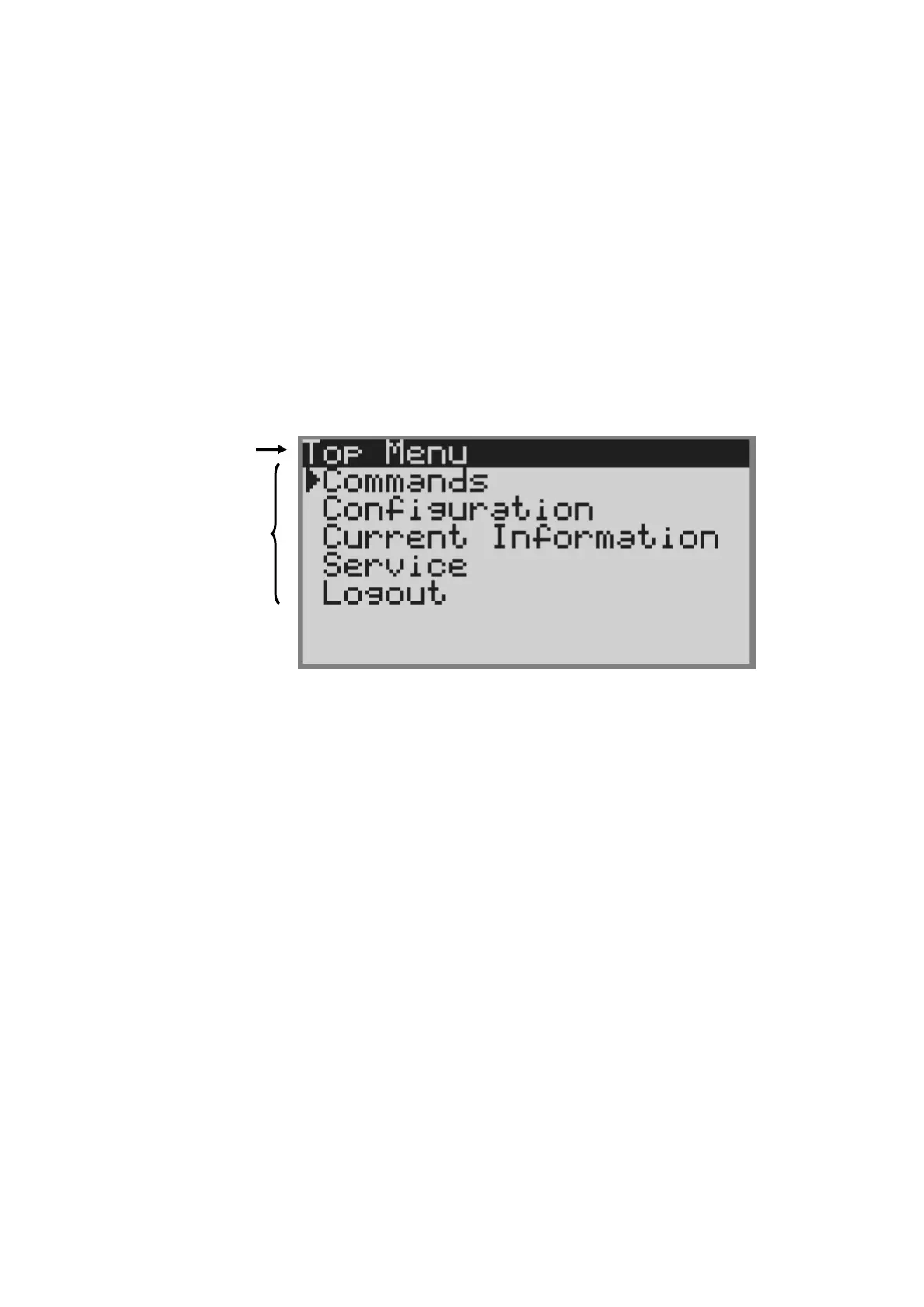
[Menu screen] appears when a user attempts to operate the library unit or configure it. The following
items are displayed.
Figure 4-1 Menu Screen
1.Menu title
Indicates the menu title currently displayed.
2.Menu item
Indicates the menu item. See "4.2Menu Tree" for details.



 To Next Page