-138-
6.3.1 Enabling or Disableing Enctyption for Each tape medium
You can enable or disable encryption for each tape media. (All slots are encrypted by default.)
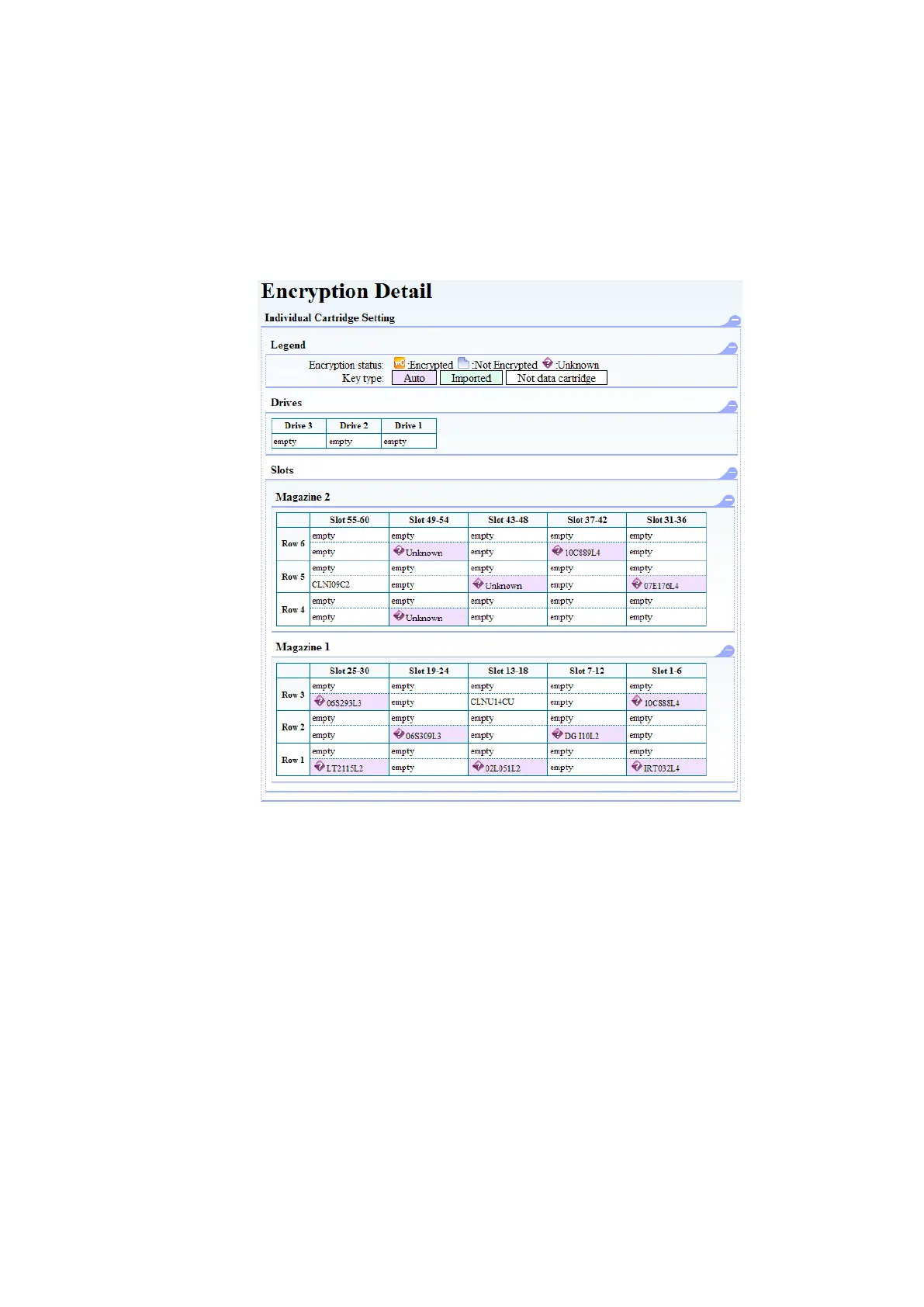
You can check the setting for each tape media in [Encryption Detail].
The tape medium stored in a purple slot in the figure below is Enable Encryption, and a tape
medium to which Key Type is set with Auto.
The tape medium stored in a green slot in the figure below is Enable Encryption, and a tape
medium to which Key Type is set with Import.
The tape medium stored in a white slot in the figure below is Disable Encryption.
Figure 6-9 Encryption Detail



 To Next Page