-45-
4.3.1 Service Login
Input with the password entry screen, "3776". It is displayed as the password error.
Service login can be done when inputting once after it returns to the screen of three, "2355".
【Service Login in “Login Mode Disable”】
Push the right-and-left button of an operator panel for 10 seconds.
It changes to a login screen compulsorily.
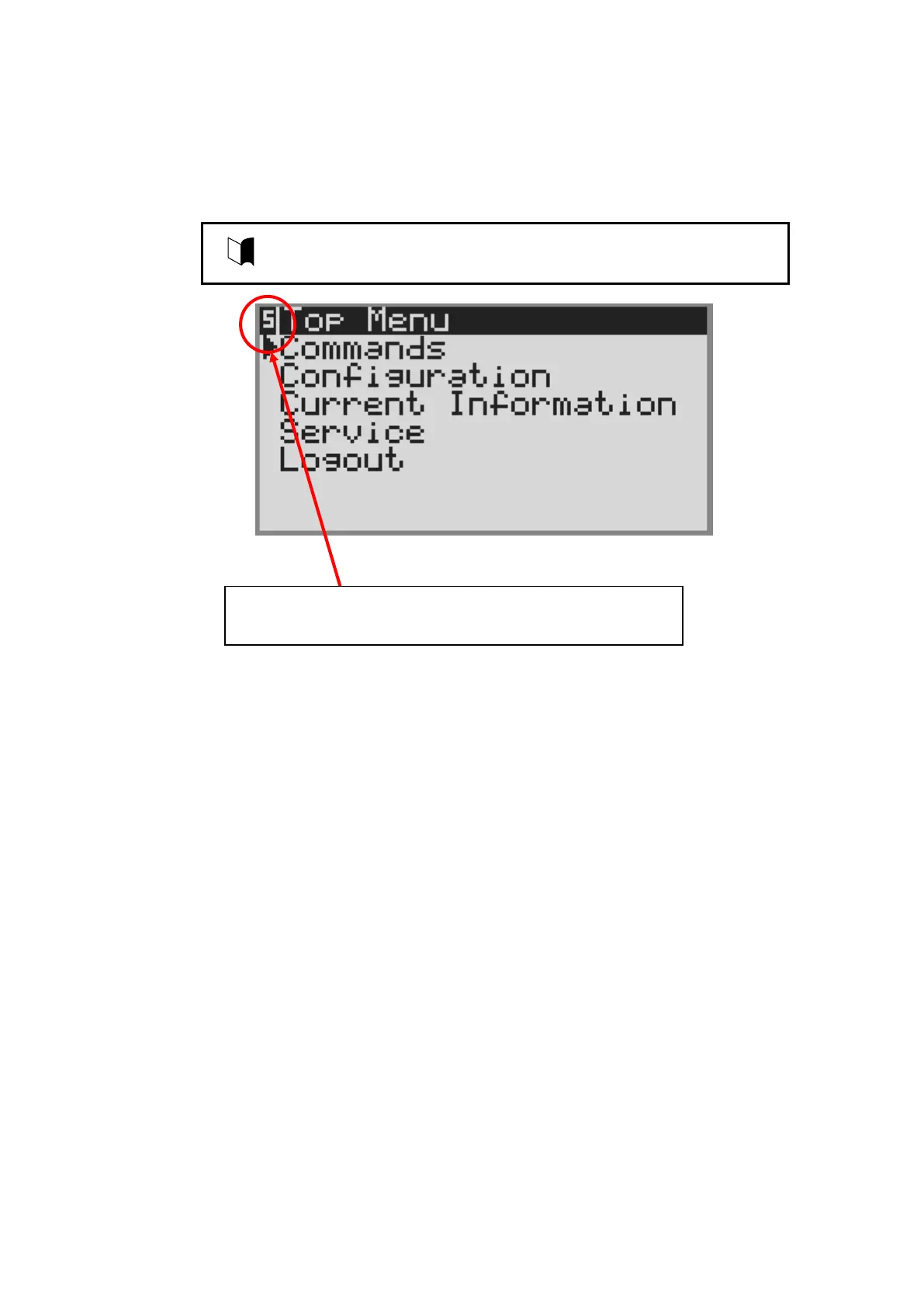
At the time of service login, the "S" icon which shows service
login is displayed on the upper left.



 To Next Page