-34-
Table 4-1 Library Status displayed in the Operation Panel
Magazine insertion is requested.
I/O Station CLOSE is requested.
Initialization is in progress.
Inventory is in progress.
Library error status (xxxx is the CHK code)
RECOVERING・・・
PLEASE WAIT
Library firmware is in recovery.
LIBRARY FIRMWARE
UPDATING!
Library firmware update is in progress.
DRIVEn FIRMWARE
UPDATING!
Drive firmware update is in progress.
DRIVE DUMP DATA
UPLOADING!
Dump data is being uploaded from drive.
A cartridge is stored in the exchange slot.
CARTRIDGE WRONG
INSERTION
A cartridge has been incorrectly inserted in the drive.
The number of Accessor mechanism operations has reached
the expected life (endurance) value
Library Offline(Not Ready)
During drive cleaning
(This status message is displayed in doing “Clean Drive”)
Replacement of cleaning cartridge
Drive n cleaning is requested
Redundant power module error
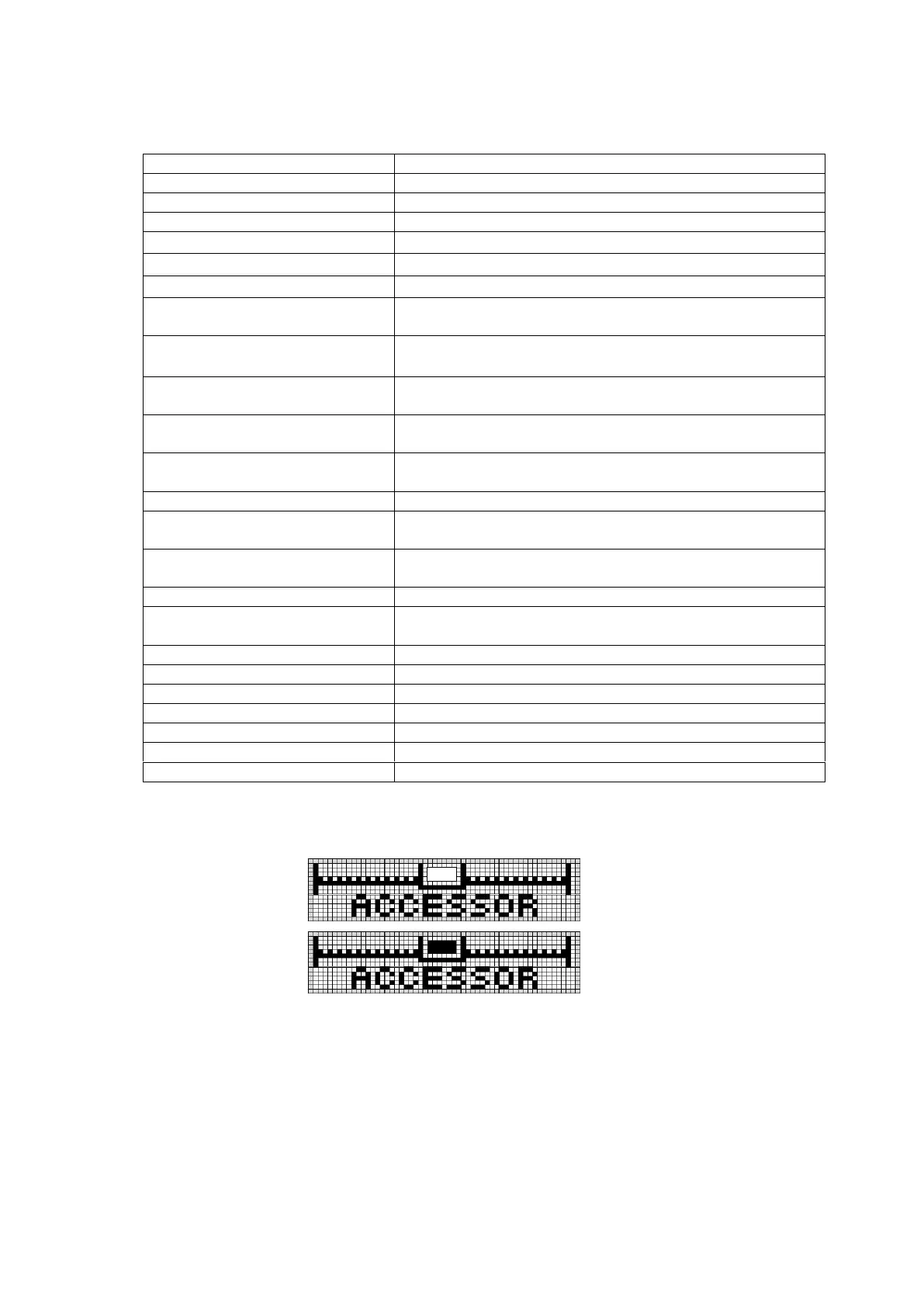
2. Accessor status display section
Indicates whether a cartridge tape exists in the picker section of the accessor.
Figure 4-3 Accessor Icon
(With no cartridge tape)
(with cartridge tape)



 To Next Page