-77-
5.2 Connection Settings
When using the Library's Ethernet function, the following items must be set appropriately. These
items can be set and checked via the operation panel. For description of how to change these settings,
see “4.4.2Configuration”.
Consult with a network manager concerning the settings for these items.
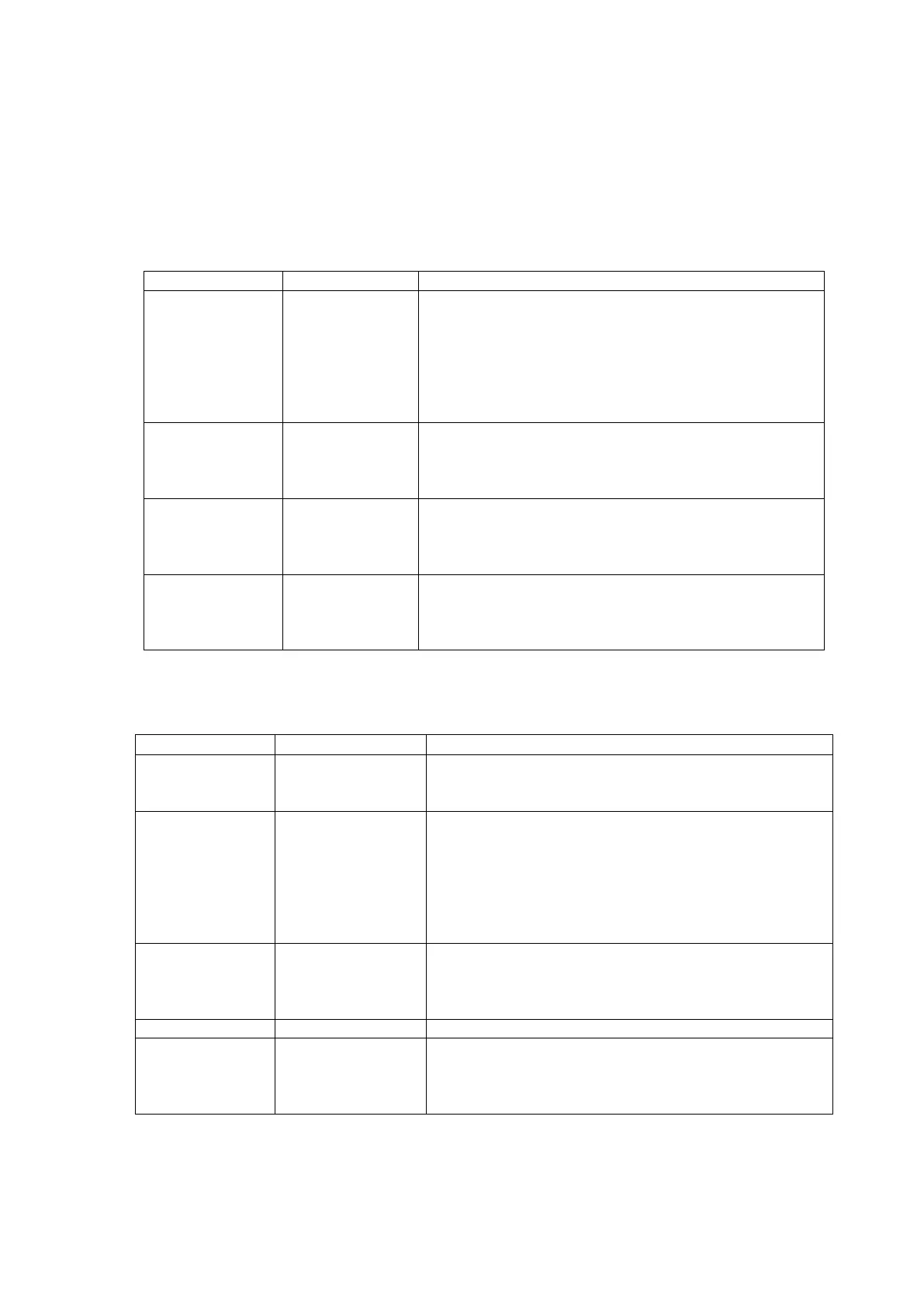
Table 5-1 Connection Setting (IPv4)
This sets whether or not DHCP will be used to dynamically
assign IP addresses, etc. Set this to ON to have DHCP
dynamically assign IP addresses, etc. Set it to off when a
fixed IP address is used. The IP addresses that are assigned
by DHCP, can be checked by selecting [Setting
Information] from [Current Information] on the operation
panel.
Library device's IP address
When using an Ethernet function, the appropriate IP
address must be set. This can also be set automatically by
DHCP.
Network's subnet mask
When using an Ethernet function, the appropriate subnet
mask must be set. This can also be set automatically by
DHCP.
The gateway is specified for access from a different subnet
mask. This setting is not necessary when access is always
within the same network. This can also be set automatically
by DHCP.
Table 5-2 Connection Setting (IPv6)
Information is retrieved from a router advertisement, and
the IPv6 address, prefix length, and gateway are set
automatically.
This sets whether or not DHCP will be used to dynamically
assign IP addresses, etc. Set this to ON to have DHCP
dynamically assign IP addresses, etc. Set it to off when a
fixed IP address is used. The IP addresses that are assigned
by DHCP, can be checked by selecting [Setting
Information] from [Current Information] on the operation
panel.
Library device's IP address
When using an Ethernet function, the appropriate IP
address must be set. This can also be set automatically by
DHCP.
The gateway is specified for access from a different subnet
mask. This setting is not necessary when access is always
within the same network. This can also be set automatically
by DHCP.



 To Next Page