-35-
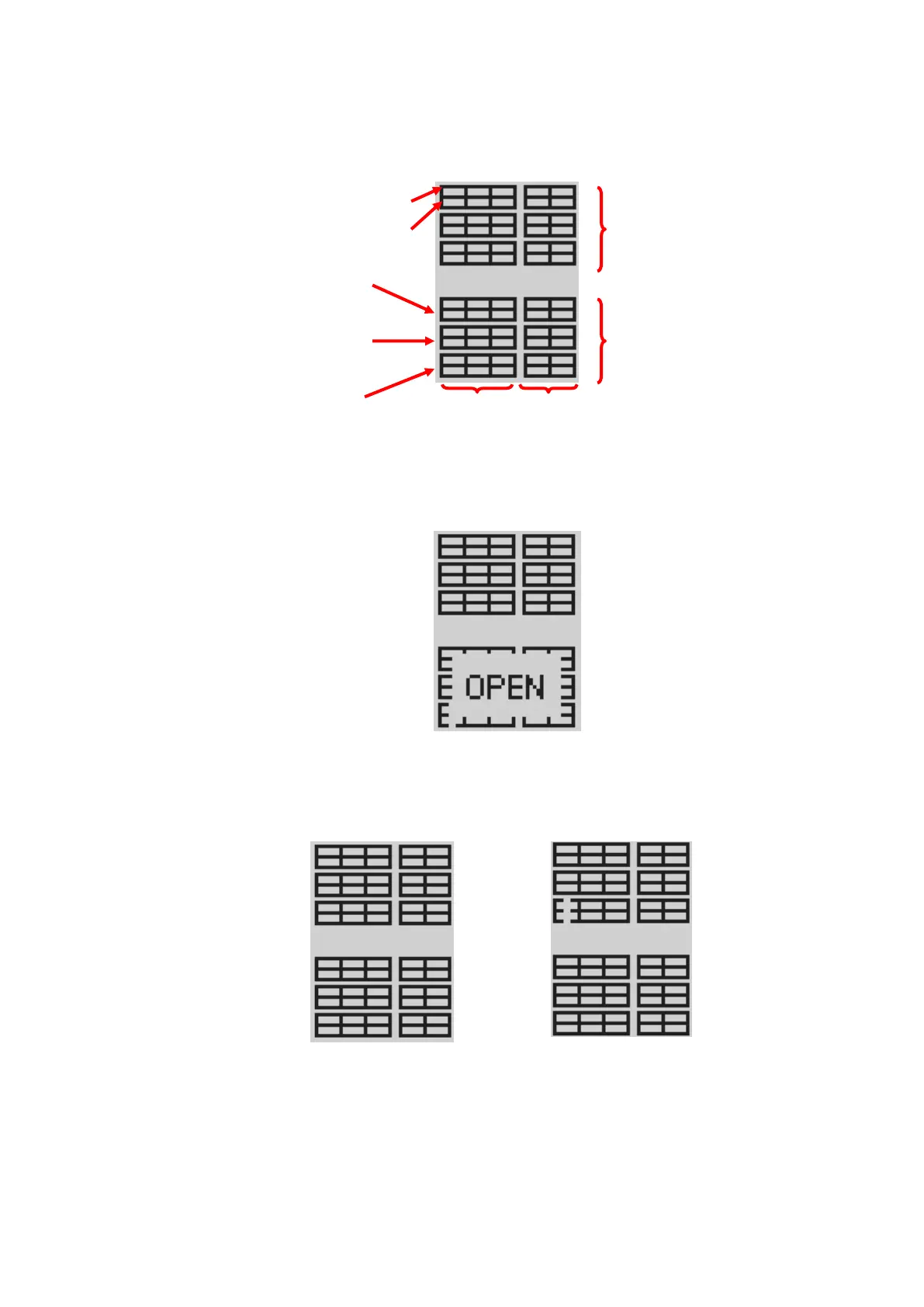
3.Magazine status display section
Indicates the status of magazines on the library unit.
Figure 4-4 Magazine Icon
When the magazine is Opened, the display changes as shown below.
(In this example,Lower Magazine is Opened.)
Figure 4-5 Magazine Icon(Magazine is Opened)
When I/O Station is set, it is displayed as follows.
Figure 4-6 Magazine Icon(I/O Station is set)
When the I/O Station is Opened, the display changes as shown below. ([!] mark is displayed)
Cartridge existence information other than I/O Station are maintained.



 To Next Page