-2-
1.3 Names and Features of Components
This section shows the location of each component of the library and outlines its operation.
For information about how to mount the library in the rack, see "1.7Installing the Rack Mounting
Kit.")
1.3.1 Front View
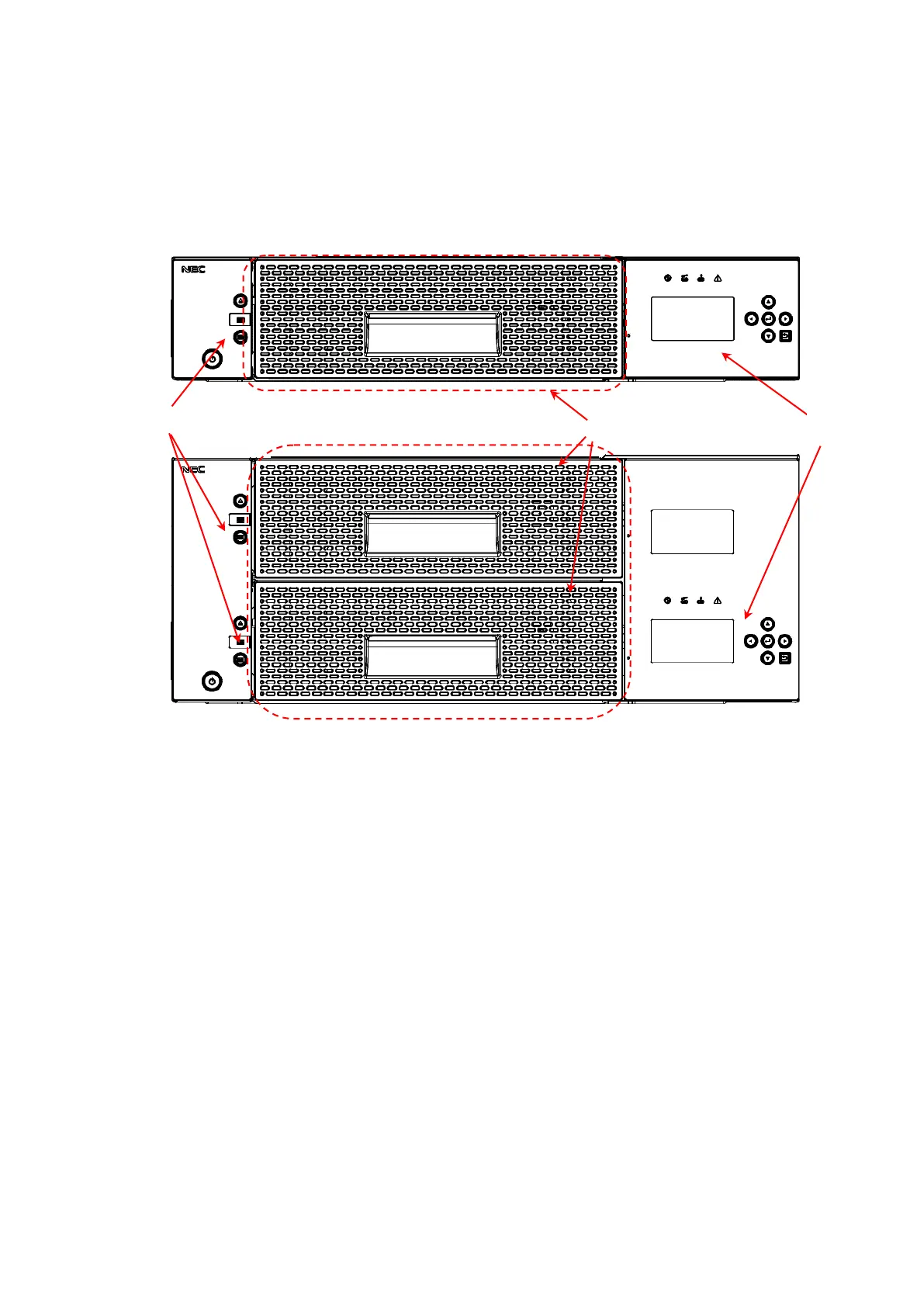
Figure 1-1 Front of the Library (Above: T30A/Below: T60A)
(1).Magazine operation panel
(When the front panel is removed, the Ethernet connector for maintenance is found inside.)
(2).Magazine
(T30A has one magazine, and T60A has two magazines (upper and lower).)
(3).Operator panel



 To Next Page