-81-
5.5 Web Page Configuration
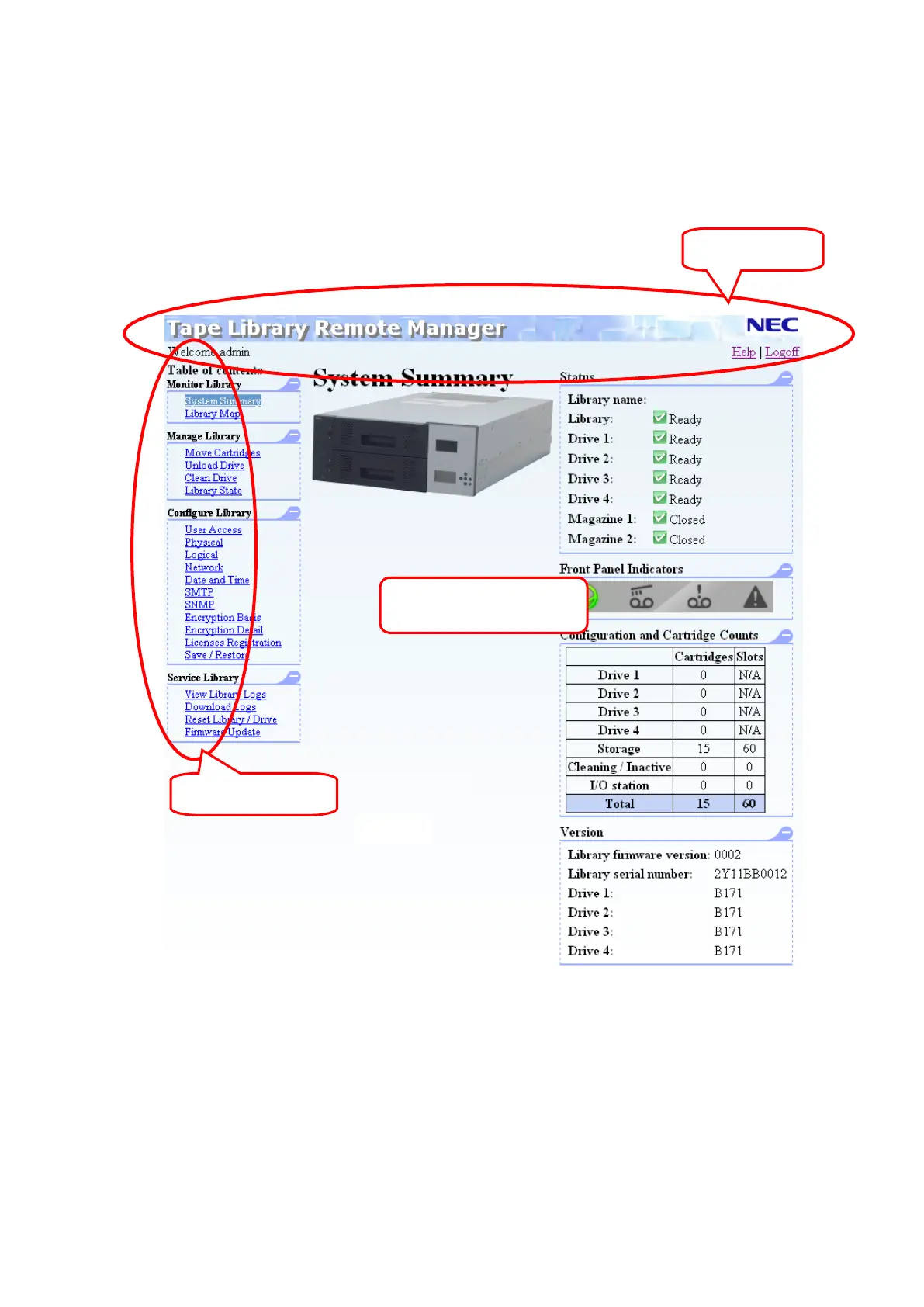
The page configuration shown by the browser can be divided into a banner section and a section of
specific information for each page.
Although the web page can be viewed on an 800 × 600-dot monitor, at least 1280 × 1024 dots is
recommended. The basic menu varies according to the access level of the logged in user.
Page-Specific
information section



 To Next Page