-134-
6.2.2 Operation
6.2.2.1 To Create encrypted medium
You can create and read encrypted tape medium without considering higher applications such as
backup software by using the tape medium for which “Encryption” is specified in [Encryption Detail].
Use the initial settings, in which “Encryption” is specified for all tape media.
(The cleaning cartridge becomes disable automatically.)
(Remark)
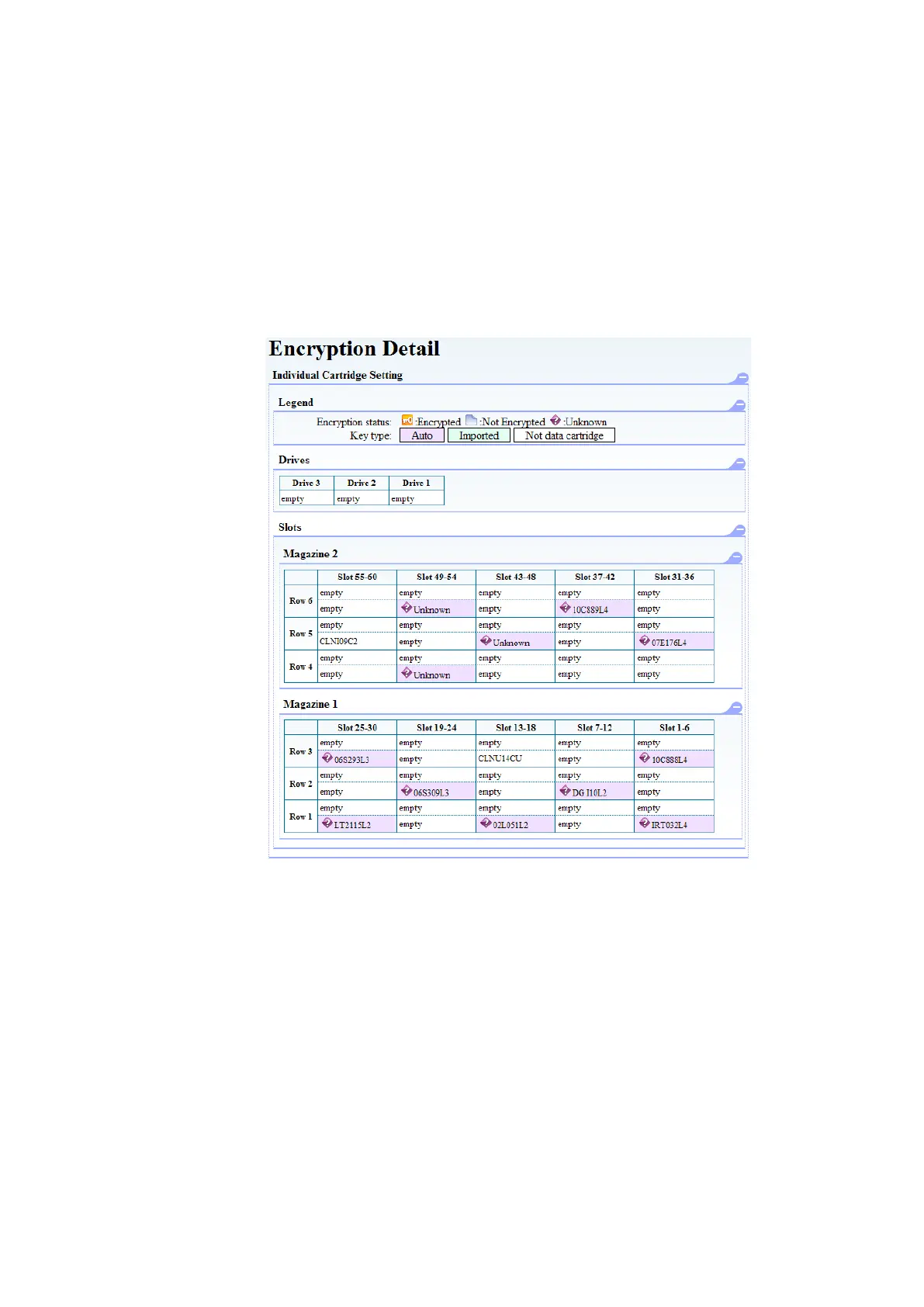
You can see the encryption setting status of each slot from the Encryption Detail Setting screen.
In the figure below, purple indicates that the tape medium in the slot is setting “auto” for Key
Type.Green indicates that the tape medium in the slot is setting “import” for Key Type.
Figure 6-8 Encryption Detail



 To Next Page