-70-
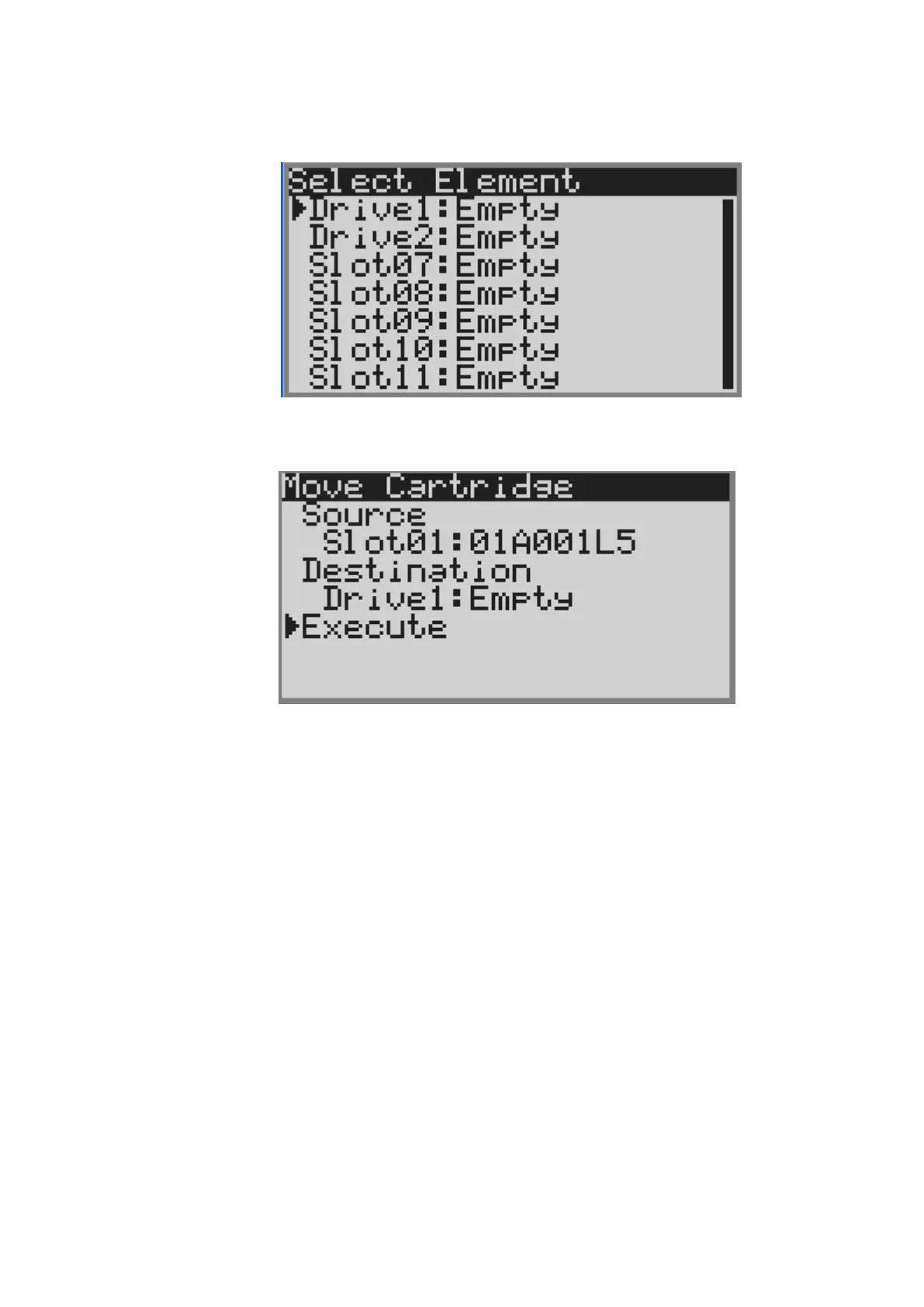
6) Select [slotxx] under [Destination], and the slot where the no cartridge is stored is displayed.
In this example, slect Drive1.
Figure 4-12 Select Destination Screen
7) Select [Execute], the cartridge is moved and inserted into the drive.
Figure 4-13 Select Execute



 To Next Page