EasyManua.ls Logo

NEC T30A - Table 4-7 Menu Tree of Configuration

NEC T30A
252 pages
Print Icon
To Next Page IconTo Next Page
To Previous Page IconTo Previous Page
Loading...
-41-
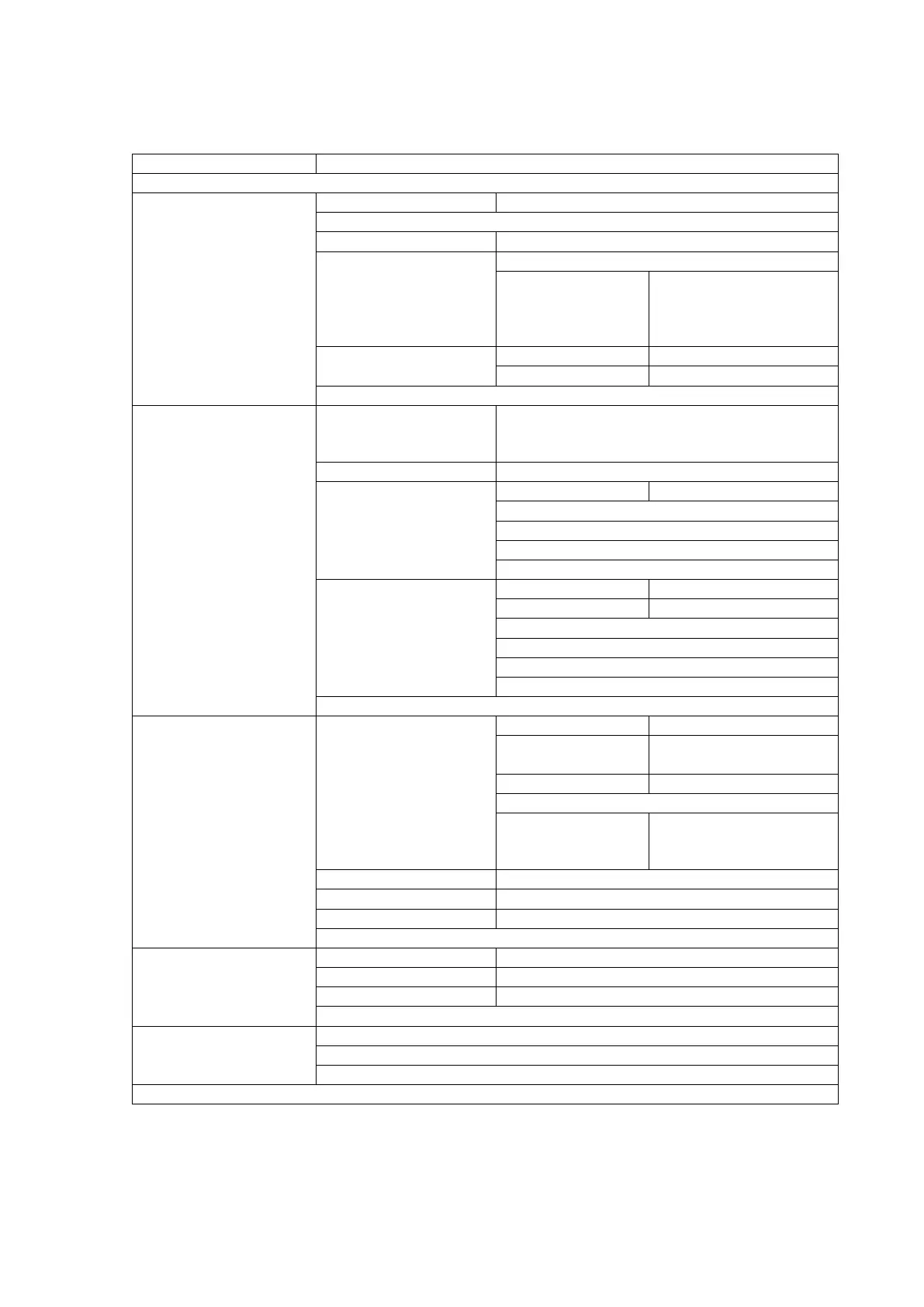
Table 4-7 Menu tree of configuration
Top Menu
Submenu
Configuration
Library Settings
I/O station
Enable / Disable
Active Slots
Auto Cleaning Mode
Enable / Disable
Library Mode
Random Mode
Sequential Mode
Loop Mode
Enable / Disable
Autoload Mode
Enable / Disable
Cleaning Notice
Near Expired
Enable / Disable
Every Cleaning
Enable / Disable
Apply
Network Settings
Link Speed
Auto Negotiation / 10Base-T Full / 10Base-T
Half / 100Base-TX Full / 100Base-TX Half /
1000Base-T Full / 1000Base-T Half
Protocol Stack
IPv4 / IPv6
IPv4 Settings
DHCP IPv4
Enable / Disable
IP Address
Subnet Mask
Gateway
Apply
IPv6 Settings
Stateless DHCP
Enable / Disable
DHCP IPv6
Enable / Disable
IP Address
Prefix Length
Gateway
Apply
Apply
Drive Settings
Selection of drive
Port A
Drive Path
Enable / Disable
Link Speed
(SAS)
3Gbps / 6Gbps
Topology
Loop / Point to Point
Set Loop ID
Link Speed
(FC)
Auto Negotiation /
8Gbps / 4Gbps / 2Gbps
/ 1Gbps
Port B
Port A
Media Changer Path
Enable / Disable
Power Save Mode
Enable / Disable
Apply
OP Panel Settings
Auto Backlight OFF
Enable / Disable
Login Mode
Enable / Disable
Auto Logout Mode
Enable / Disable
Change Password
Date / Time
Set Date
Set Time
Time Zone
Set Default

Table of Contents

Related product manuals