-61-
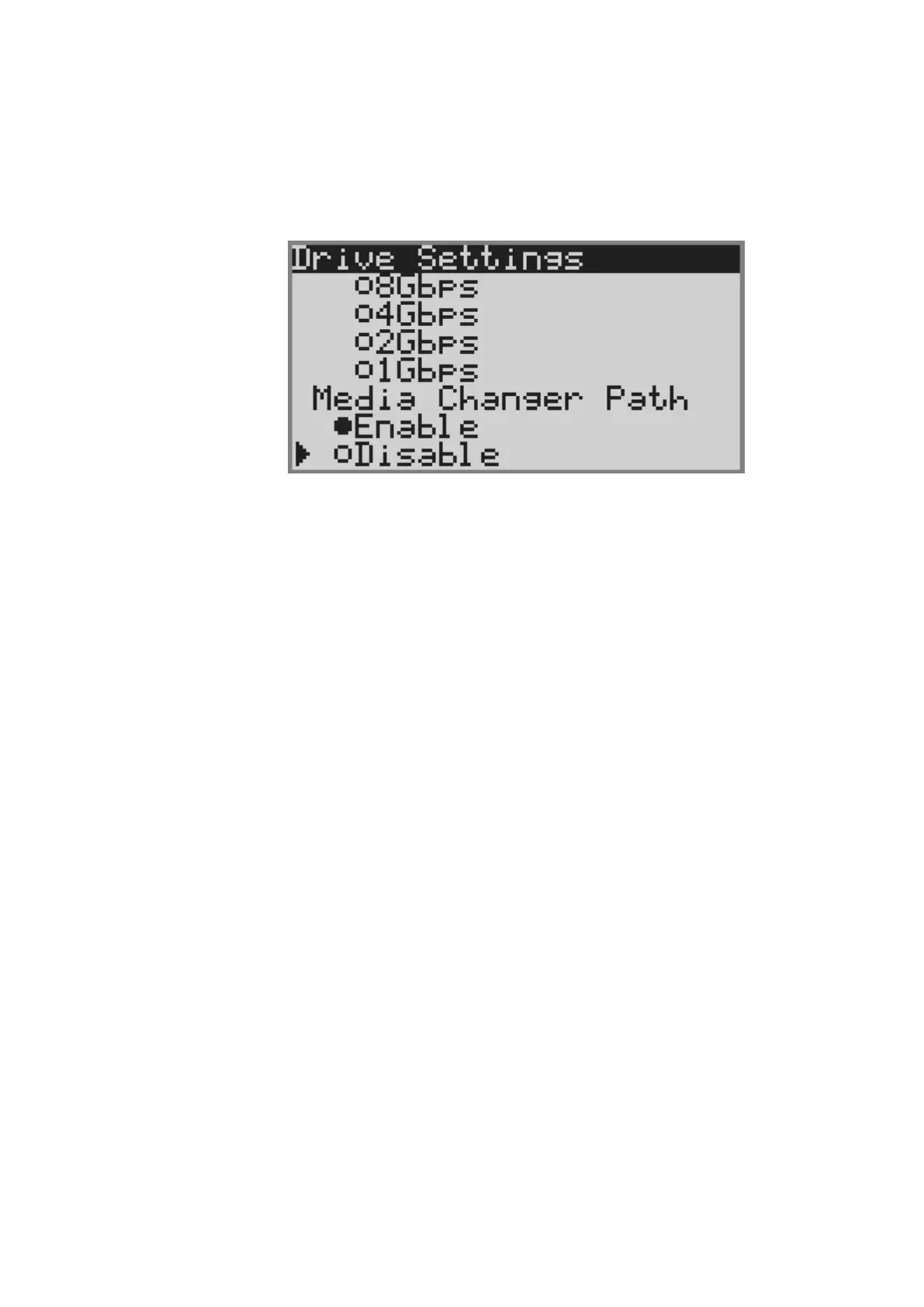
4.5.3.3 Setting robot control path
This section describes how to set robot control path.
1) [Login]. See Section 4.3Login for detail.
2) Select [Configuration].
3) Select [Drive Settings] from [Configuration].
4) Select the drive that sets the robot control passing.
5) Select Enable under Media Changer Path.
6) Selecting [Apply], the port of the drive is reset,and the setting is applied.



 To Next Page