-146-
6.3.5.1 Backing up the KEY database
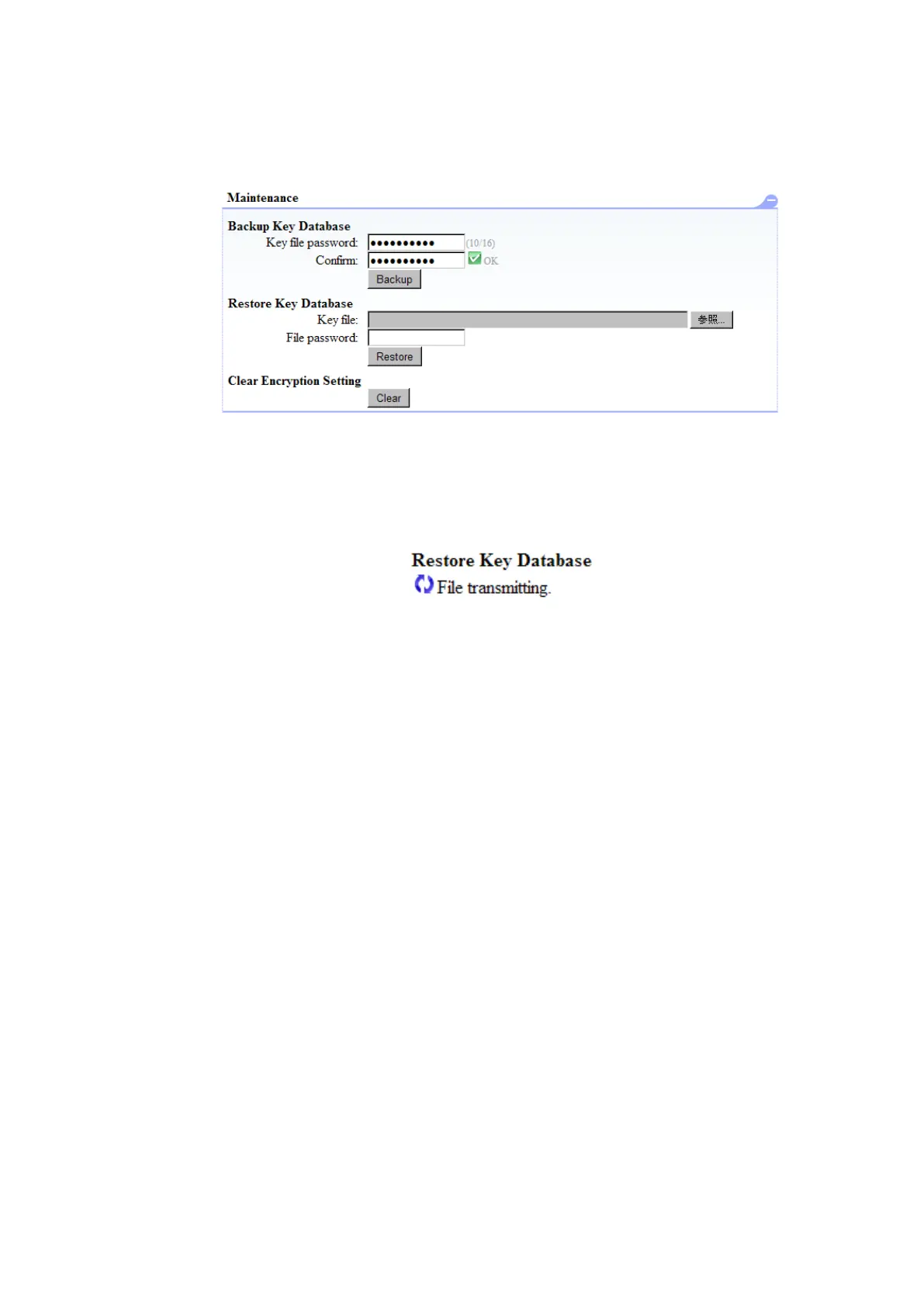
When the password and Confirm (the same content as the password) are input to Backup Key
Database of Maintenance of Encryption Detail and "Backup" is pressed, the save screen is displayed.
The file preservation place is specified, and it saves a file.
Figure 6-17 Backup of KEY Database
6.3.5.2 Restoring the KEY database
The password of the backup of Key File and Key Database with Restore Key Database of
Maintenance of Encryption Detail is input, and "Restore" is pressed.
The following dialog is displayed, and the Key data base is restored.



 To Next Page