-119-
5.6.6.3 Reset (Reset Library / Drive)
[Service Library]-[Reset Library and Drives] Service/Administrator
[Function]
Reset the library or drive.
[Display contents]
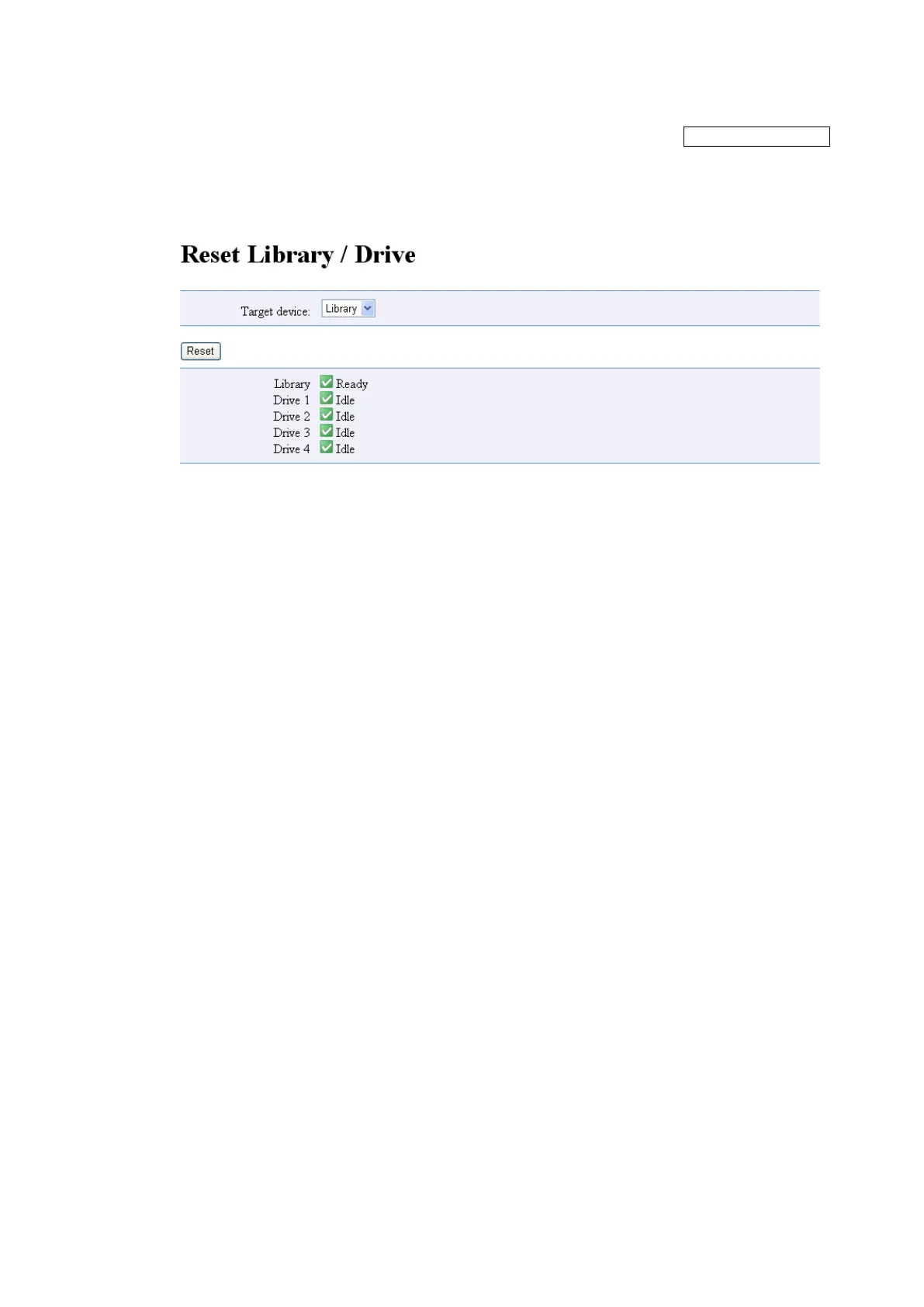
Figure 5-34 Reset Library / Drive
1. Target device
Select "Loader" or "Drive".
2. Reset button
After selecting the "Target device", clicking this button will reset the device.
Complete dialogue is displayed after the completion of reset command.



 To Next Page