-177-
10.8 Replacing the Escape Slot
1. The supervisory service of all the services of backup software, a tape, and a changer driver is
suspended.The Windows version Networker stops a server.
2. Turn off the power to the library.
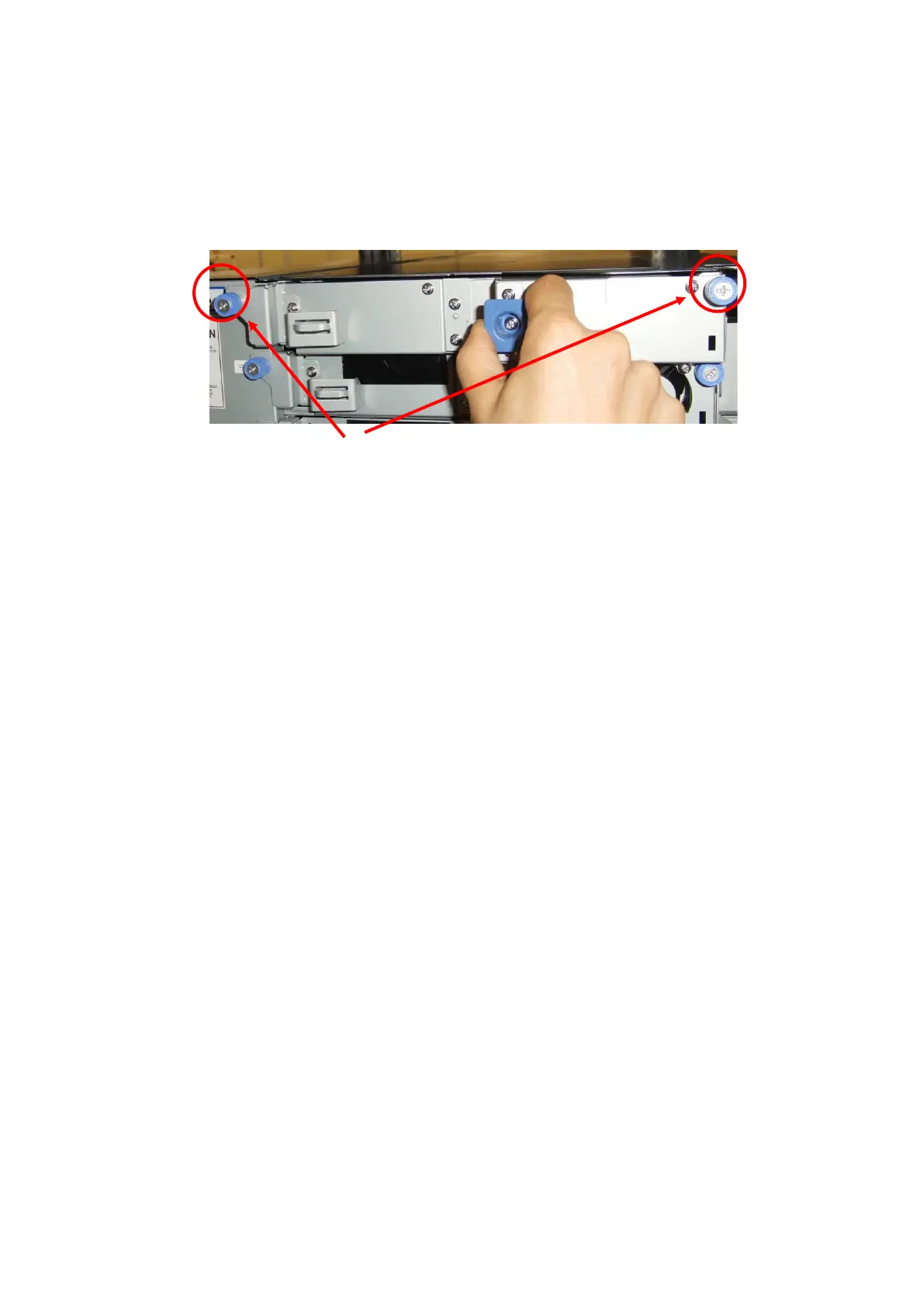
3. Remove the two screws anchoring the save slot and extract the save slot.
If the extracted save slot contains a cartridge, pull it out.
4. Replace the save slot.
5. Turn on the power to the library.
6. If a cartridge was removed in step 3, return it to the library.
10.9 Replacing the Front Magazine and Rear Magazine
1. Remove the magazine to be replaced from the library. (See "4.6.1.1Removing Magazine.")
2. Eject the cartridge from the magazine and record which cell includes which tape.
3. Based on the information recorded in step 2, store the cartridge that was in the magazine to be
replaced in the same place in the new magazine.
4. Insert the magazine into the library.



 To Next Page