-156-
8.3 Write Protection
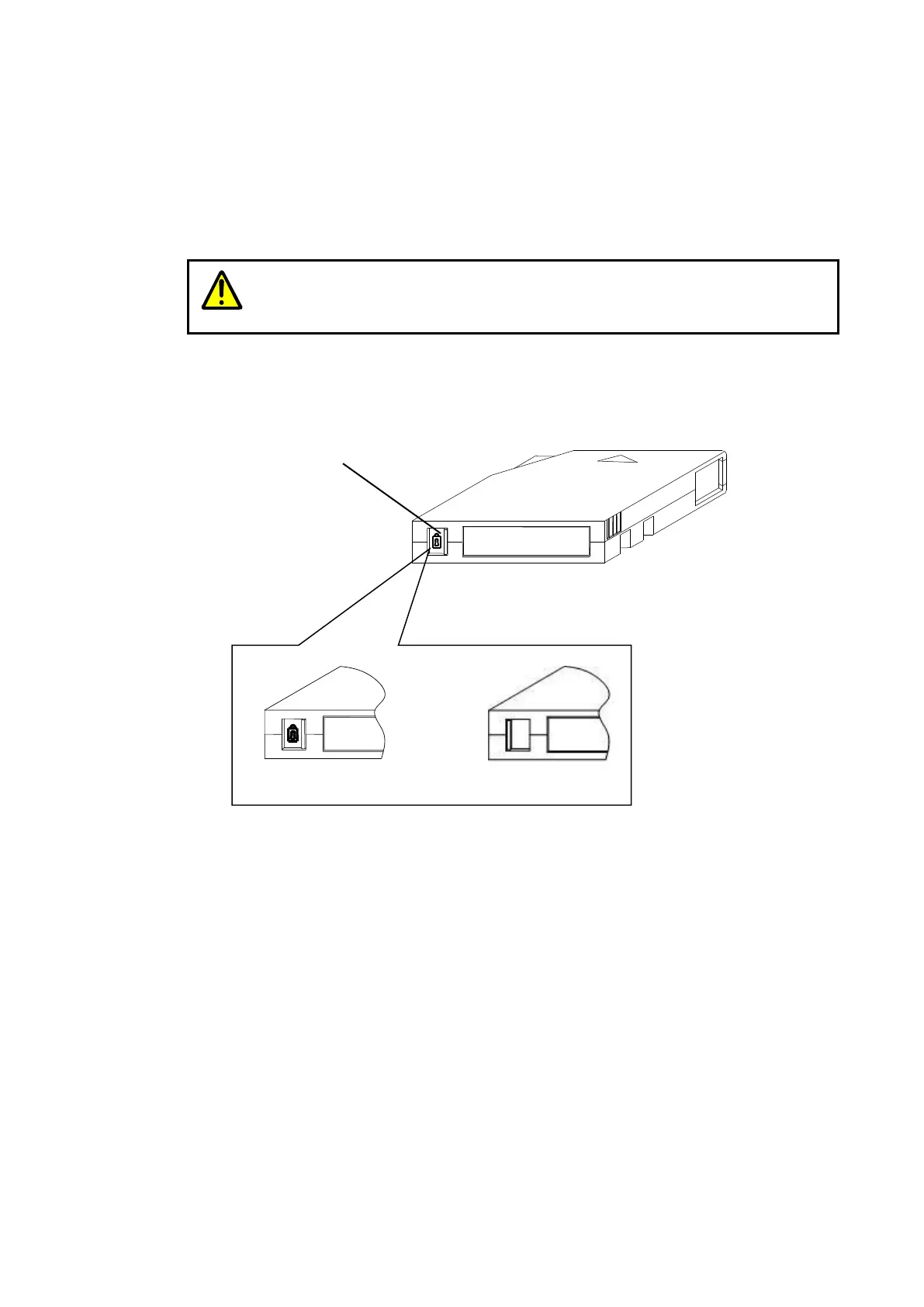
This section describes how to set the write protection switch of the cartridge.
The data in the cartridge can be protected or overwritten by setting a write protection switch. To
protect the data in the cartridge, set the plug in protect position. Every cartridge has a write protection
plug at the same location, however, the indication on the switch may differ. Refer to the manual that
comes with the cartridge.
When the new tape cartridge never loaded into the tape drive is used with
write-protection, the tape drive detects the error. Therefore, please do not write-protect
it to the tape cartridge in which data is not written with the write-protection switch.
Figure 8-4 Write Protection of cartridge
Write disabled Write enabled



 To Next Page