-5-
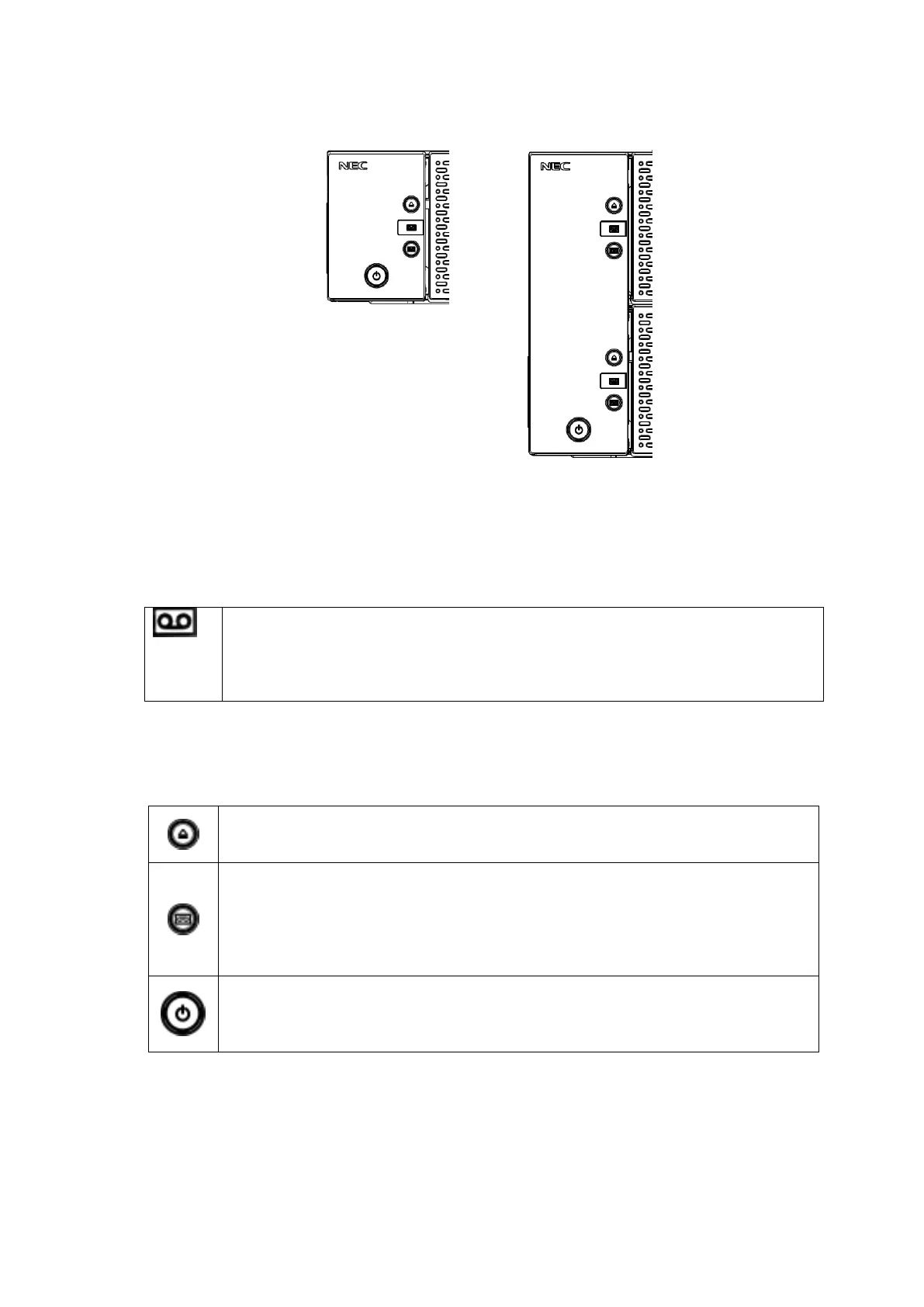
1.3.3 Magazine operation panel
Figure 1-3 Magazine operation panel(left:T30A,right:T60A)
1.3.3.1 Magazine Status LED
Table 1-3 Status LED on Magazine Operation panel
This LED indicates the internal status of the I/O station.
When the I/O station is closed:
On: The I/O station contains one or more cartridges.
Off: The I/O station contains no cartridge.
When the I/O station is open, the LED is off. The color of the LED is green.
1.3.3.2 Button
Table 1-4 Button on Magazine Operation panel
Magazine unlock button / indicator
Magazine unlock request button.
This Green LED is on when the button is enabled.
I/O Station unlock button / indicator
I/O station unlock request button.
This Green LED is on when the button is enabled.
After the unlock button is pressed, the I/O station is unlocked by the enter button
pressing.
LED of the unlock button blinks until the decision button is pressed.
Power button / indicator
Button to power on / off.
This LED is orange when power is being supplied, or the LED is green lighting when
power is on.



 To Next Page