-117-
5.6.6 Library maintenance (Service Library)
5.6.6.1 View Library Logs
[Service Library]-[Operator Interventions] All users
[Function]
Displays only the event log related to the library.
[Display Contents]
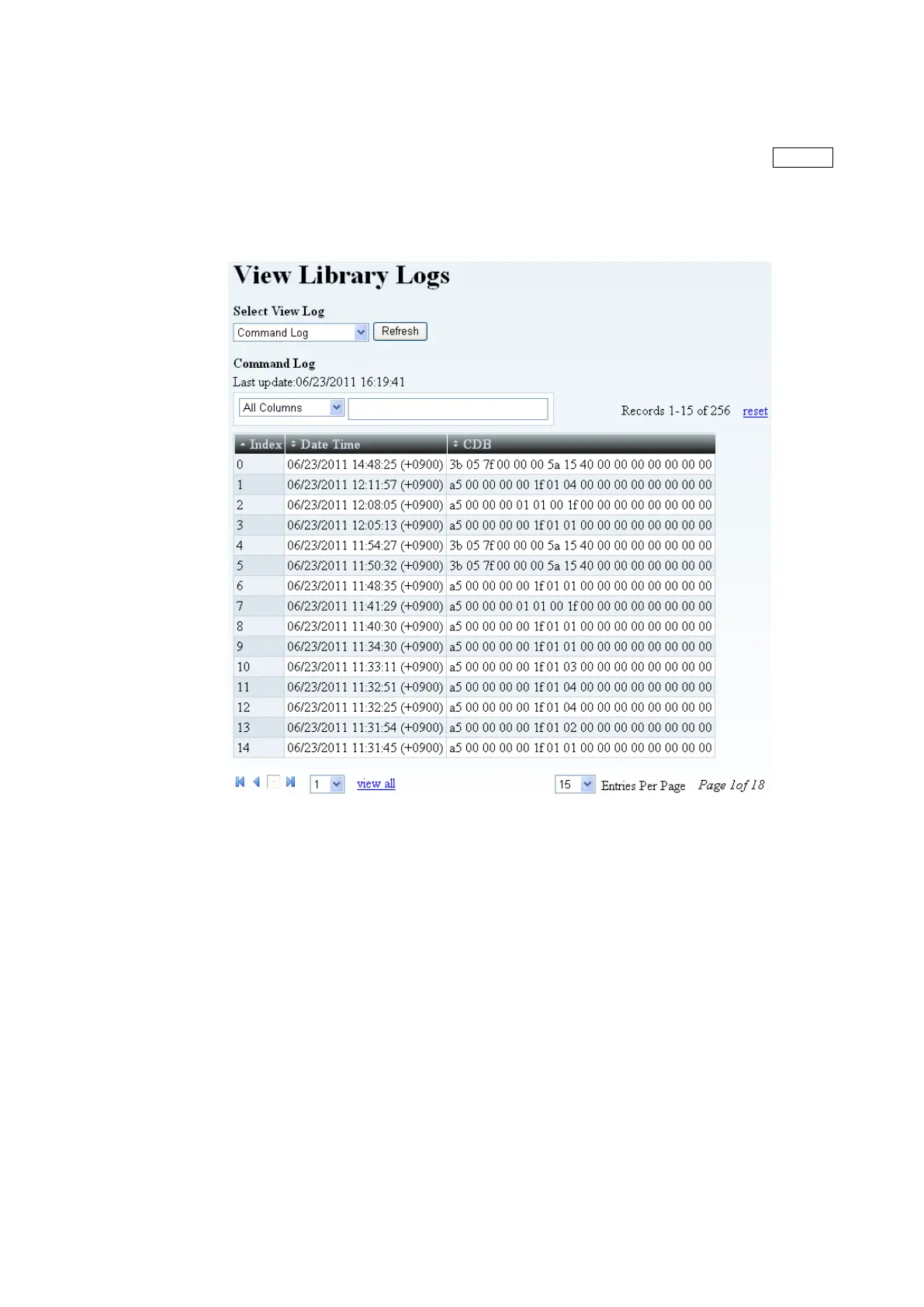
Figure 5-32 View Library logs
1. Select log
Select the displayed log.
(Command log / Error log / Retry log / Mechanical Motion log / Event log / encryption log /
Cleaning log)
2. Refresh button
Will read the current information of this page.
3. Filter
You can filter the log event depending upon “Unit type:” and “Event level:”.
4. Index List
The auto log event the 000 is the newest log in the datewise log entry.



 To Next Page