-97-
5.6.4.4 Library State (OFFLINE/ONLINE)switching window(Library State)
[Manage Library] - [Library State] Service/Administrator/Super user
[Function]
This function is similar to the operation panel's [Library State] menu's function that switches the
Library's setting for the Accessor between online and offline.
[Use method]
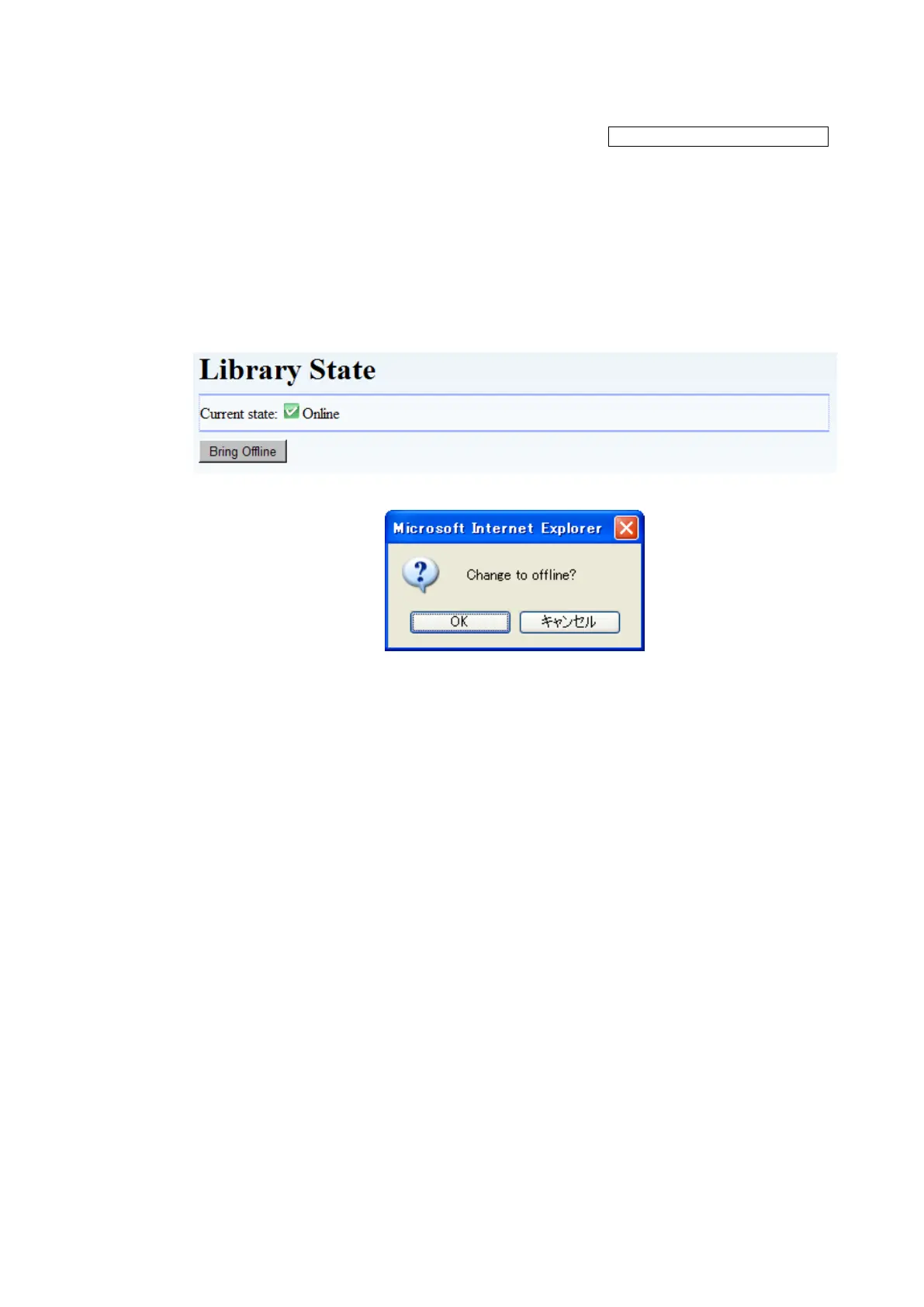
1. Click the “Bring Offline”(Bring Online) button to view the confirmation screen.
2. Select "Yes" to execute switching.
[Information]
Figure 5-15 Library state
Figure 5-16 confirmation screen
1. Current state
Indicate the Library's online/offline status. (Online/Offline)
2. Bring Online / Offline button
Click this button to switch the Accessor's status between online and offline.
When the Library is online, the [Bring Offline] button is displayed.
When the Library is offline, the [Bring Online] button is displayed.



 To Next Page