-154-
8.2 Cartridge Label
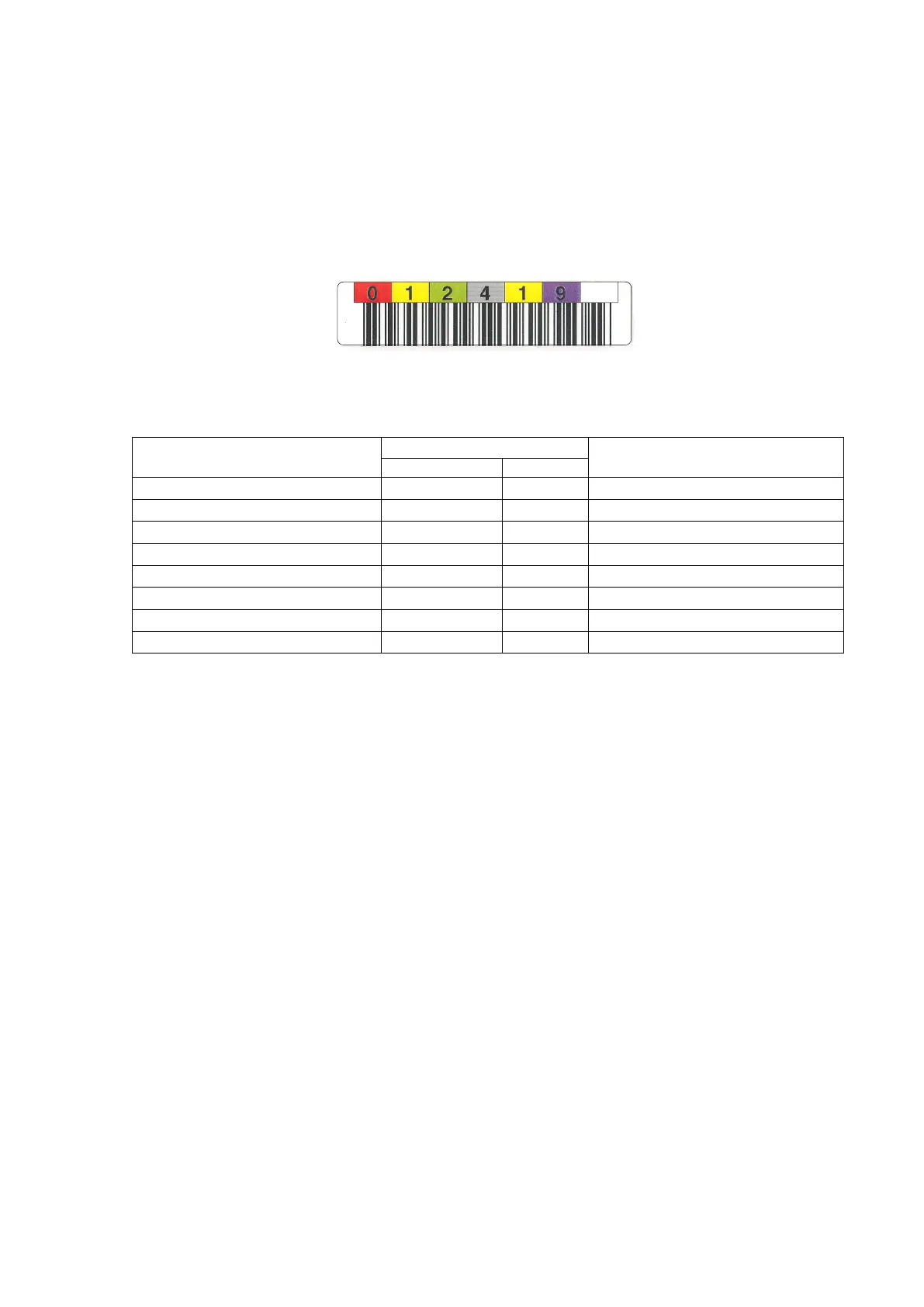
The cartridge label displays the medium name and the usage of the cartridge by the character and
the bar code. The medium name is shown in the alphanumeric character of six digits that is called
VOLSER, and the usage is shown in the alphanumeric character of two digits that is called Media ID.
The table below shows the label code of the Ultrium cartridge used in this library.
Both characters of the code can be used for the label though are the vertically-written one and the
horizontally-written one. The example of labeling the data cartridge is shown below.
Figure 8-2 Data Cartridge Label
Table 8-2 Cartridge label code
1500 G byte(non-compression)
1500 G byte(non-compression)
2500 G byte(non-compression)
2500 G byte(non-compression)
6000 G byte(non-compression)
6000 G byte(non-compression)
Universal Cleaning Cartridge
Diagnosis(For LTO6 / LTO7 Drive)
NOTE:□ :A~Z、0~9
◇ :0~9
△ :space
CU shows the universal cleaning cartridge that can be used by the all makers' LTO
Ultrium drives.



 To Next Page