-130-
6.2.1.3 Enabling the encryption key management function
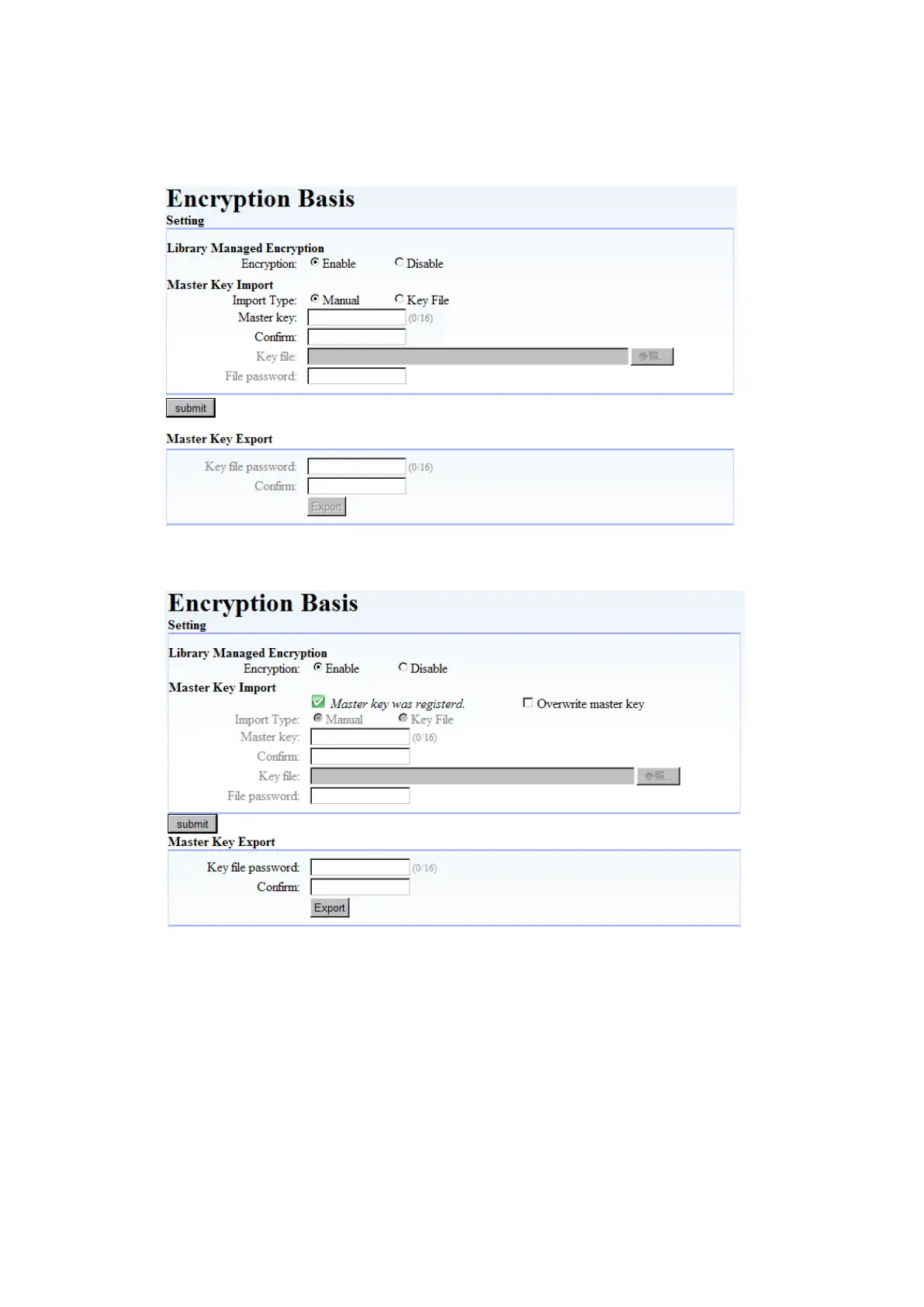
You must enable the encryption key management function to use it.
After enabling encryption, register the master key if it is not yet registered. (See 6.2.1.4Registering
(importing) the master key.) If the master key is already registered, click “Submit”.
Figure 6-3 Encryption Enable
Figure 6-4 Master key is registered



 To Next Page